


The System Tray Icon
- The KillSwitch tray icon is located at the bottom-right corner of the screen.
- You can make it show CPU history, or I/O history as required:
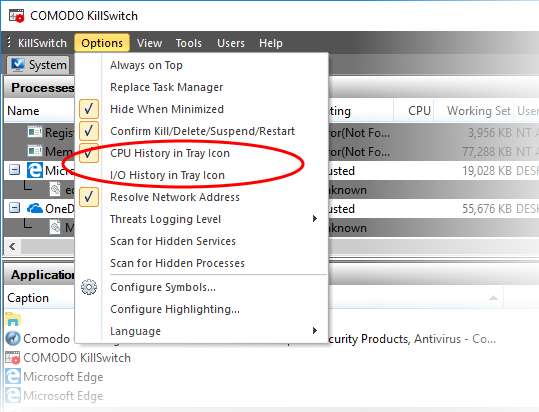
See Configure KillSwitch for more details.
Right-clicking on the system tray icon opens a context sensitive menu that contains the following options:
|
|
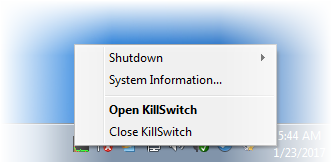
- Shutdown - Enables you to switch the power state of your computer. Hovering the mouse cursor options opens a sub-menu containing the following options:
|
|
|
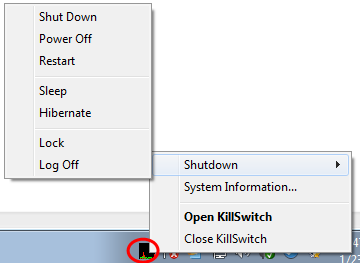
- System Information - Opens the System Information panel that shows the graphical representations and statistics of the usage/history of your system resources. See 'View System Information' for more details
- Close KillSwitch - Exits the KillSwitch application.