


Use the Command Line Interface
An
alternative way to launch CCE task is to use the Windows command line
interface (CLI). You can run any type of scan using the CLI, and you
can also run database updates.
- Click the Windows 'Start' button > All Programs > Accessories > Command Prompt.
OR
- Click Start > Run > Type 'cmd' in the box > Click 'OK'.
OR
- Type 'cmd' in the Windows search box
Any of these methods will open the Windows command line interface:
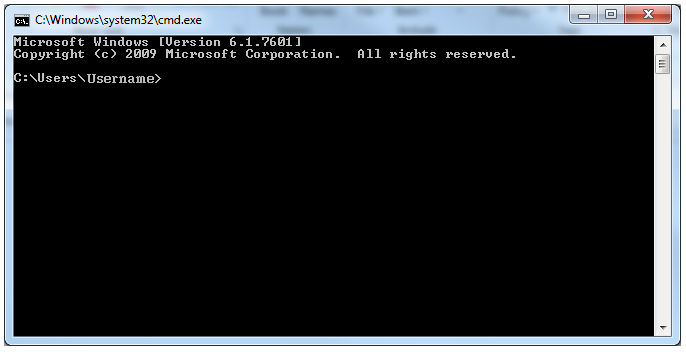
Click
the links below for more details on the tasks executed from the
Command Line Interface: