


Check for Software Updates
CCE will periodically check for application updates. If an updated version is available you will be prompted to download the new version.
-
Click 'Tools' > 'Check for Updates'
The application will connect to Comodo servers and check for updates:
- Clicking 'Download' will launch your default browser to download the latest version
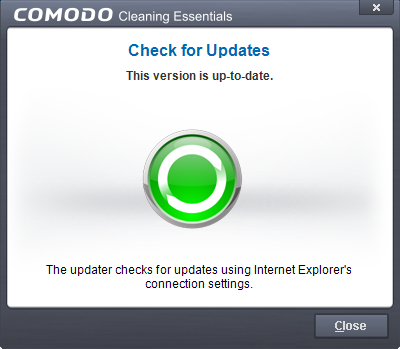
- If no updates are available, you will receive a message that your software is up-to-date.