


Alerts, Incidents and Website Vulnerabilities
- Click 'Managed Security' > 'Service' and scroll down to the 'Alerts, Incidents & Website Vulnerabilities' panel.
This panel lists the items the managed security service has raised against your customers. It is the short list — the ten most recent and the ten most critical of each kind.
You can switch between alerts, incidents and website vulnerabilities, and sort each list by any of its columns.
The three tabs
The panel has three tabs. 'Alerts' is selected when the page opens.
| Tab | What it lists |
| Alerts | Alerts raised against your customers. Two sub-tabs: 'Top 10 Recent Alerts' and 'Top 10 Critical Alerts'. |
| Incidents | Incidents raised against your customers. Two sub-tabs: 'Top 10 Recent Incidents' and 'Top 10 Critical Incidents'. |
| Website Vulnerabilities | Vulnerabilities found on customer domains. This tab has no sub-tabs. |
Alerts tab
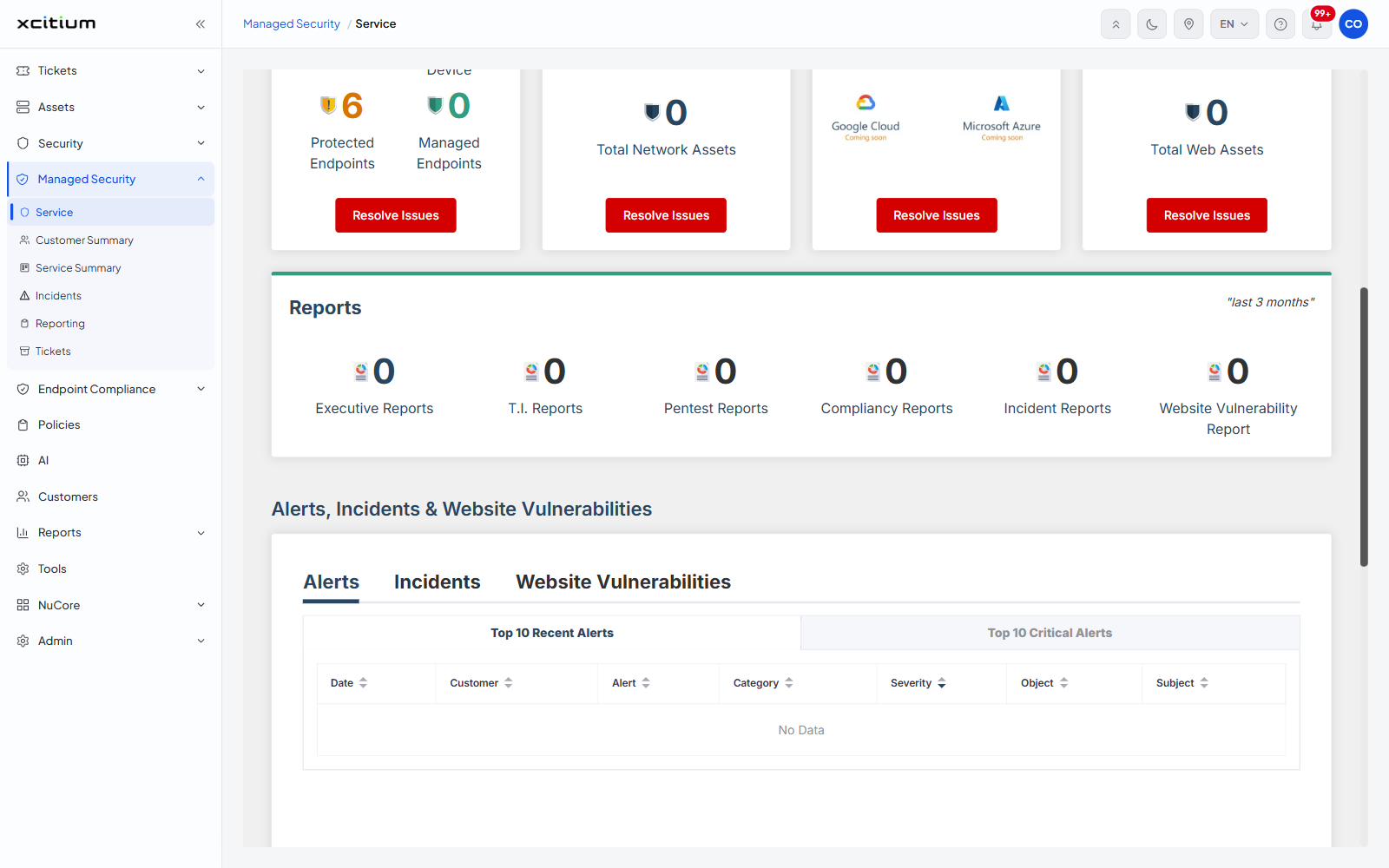
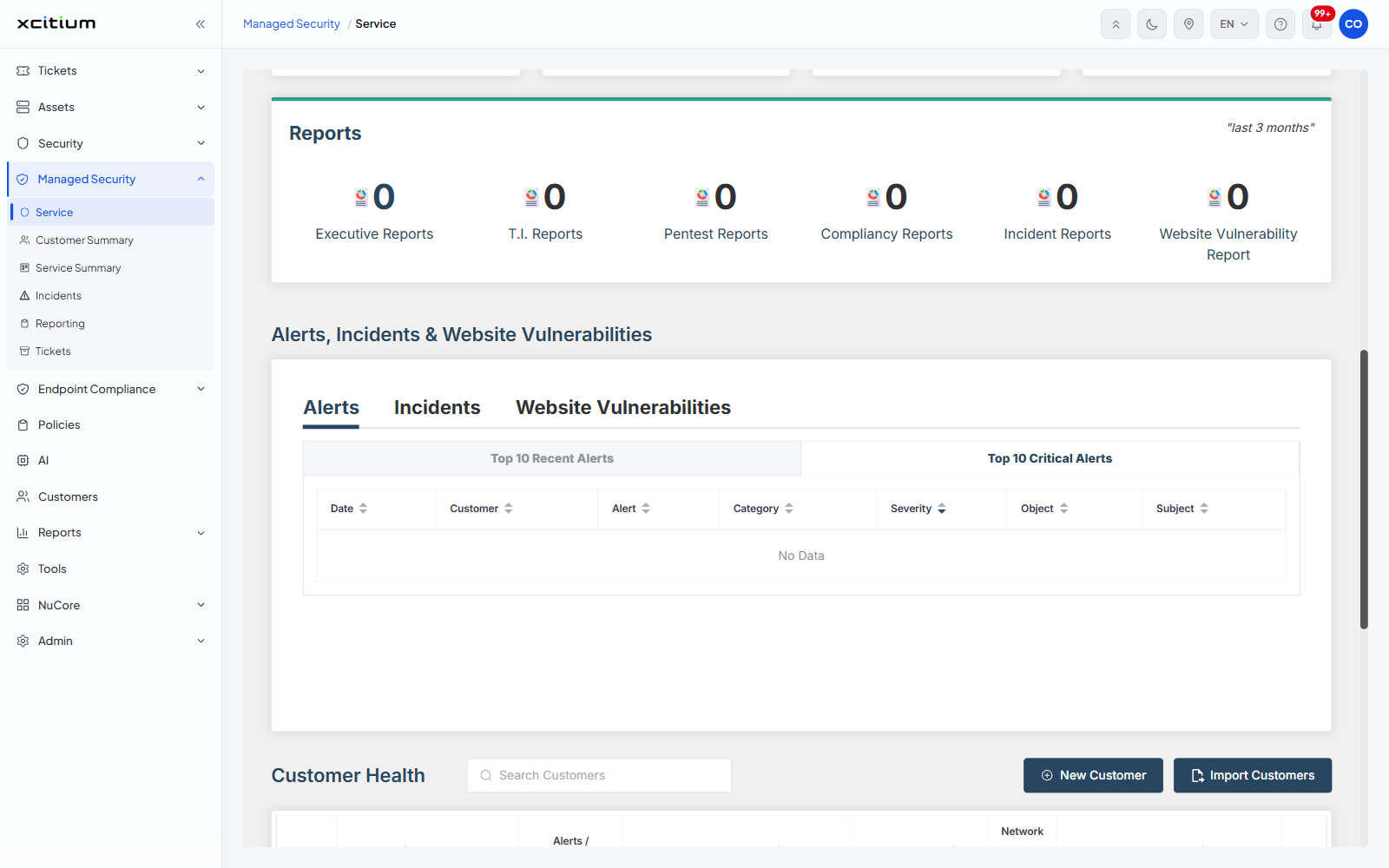
Click 'Top 10 Recent Alerts' for the newest alerts or 'Top 10 Critical Alerts' for the most severe. Both sub-tabs use the same columns, and every column can be sorted.
| Column | Description |
| Date | The date and time the alert was raised. |
| Customer | The customer the alert belongs to. |
| Alert | The name of the alert. |
| Category | The category the alert falls into. |
| Severity | The severity assigned to the alert. |
| Object | The object the alert was raised against. |
| Subject | The subject of the alert. |
Incidents tab
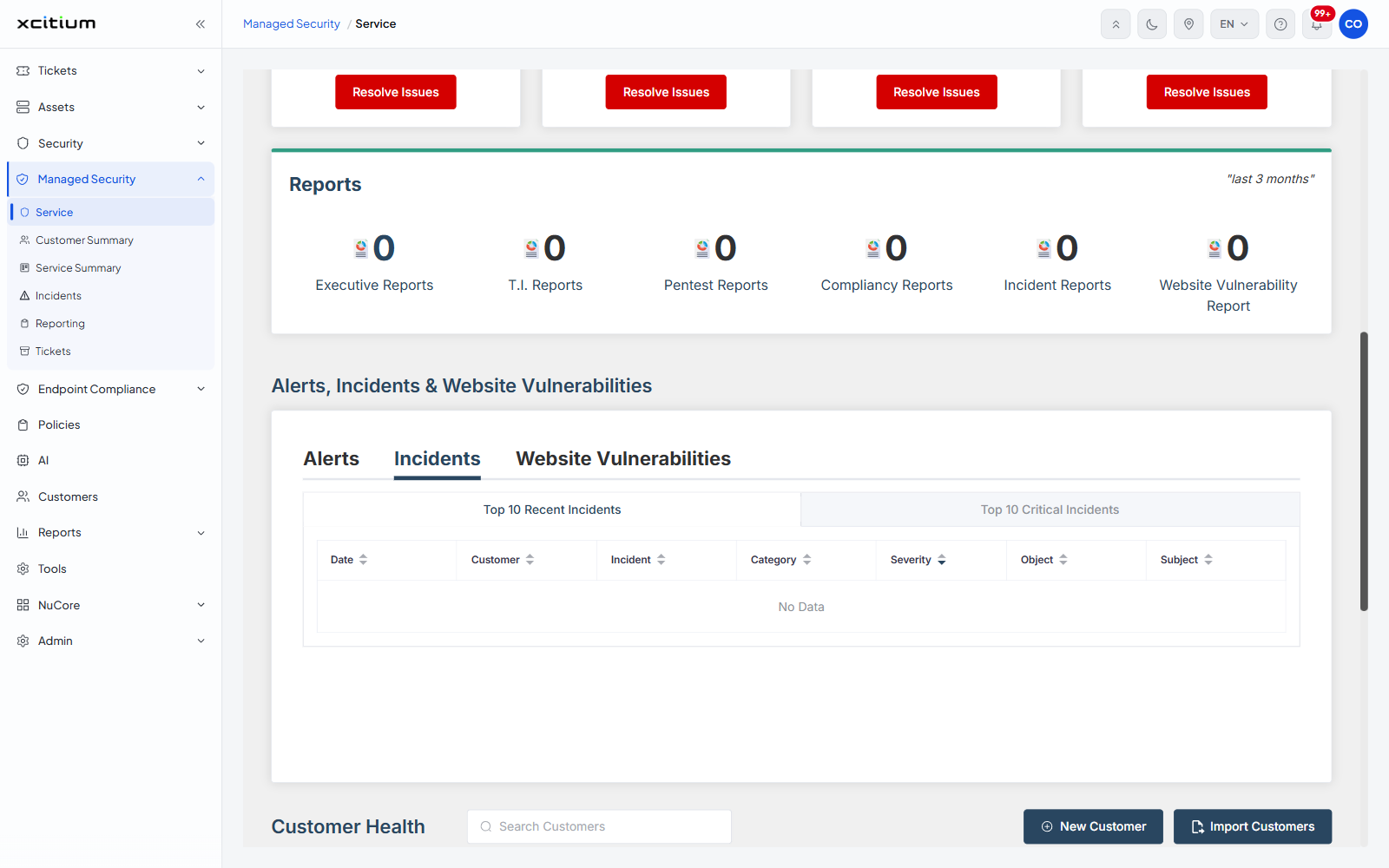
Click 'Incidents'. The sub-tabs are 'Top 10 Recent Incidents' and 'Top 10 Critical Incidents'. The columns match the alert list except that the 'Alert' column is replaced by 'Incident'.
| Column | Description |
| Date | The date and time the incident was raised. |
| Customer | The customer the incident belongs to. |
| Incident | The name of the incident. |
| Category | The category the incident falls into. |
| Severity | The severity assigned to the incident. |
| Object | The object the incident was raised against. |
| Subject | The subject of the incident. |
Website Vulnerabilities tab
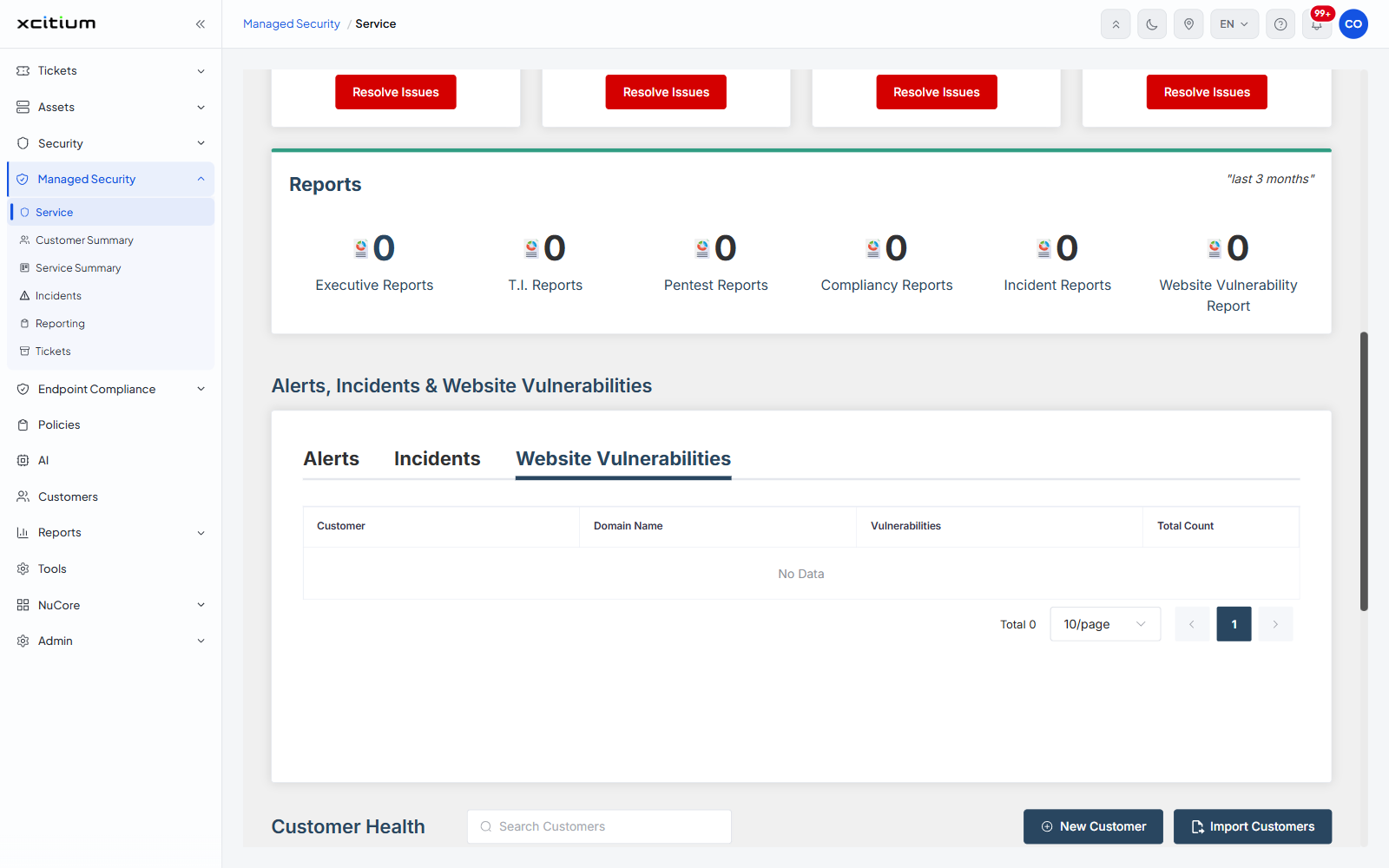
Click 'Website Vulnerabilities'. The list is paged, with a page-size selector and page buttons under it and a 'Total' count to their left.
| Column | Description |
| Customer | The customer the domain belongs to. |
| Domain Name | The domain that was scanned. |
| Vulnerabilities | The vulnerabilities found on the domain. |
| Total Count | The number of vulnerabilities found. |
Read the lists
- Click 'Managed Security' > 'Service' and scroll to 'Alerts, Incidents & Website Vulnerabilities'.
- Click the tab you want.
- On 'Alerts' or 'Incidents', click a sub-tab to switch between the most recent and the most critical items.
- Click a column heading to sort the list by that column.