


Antivirus Tasks - Introduction
- Click the 'Antivirus' tab on the home screen to open this interface.
- The antivirus task center lets you run on-demand virus scans and configure how you want the scanner to behave.
- You can alter settings for each scan type and create recurring, scheduled scans.
- You can also create custom scan profiles, manage event logs, change update settings, submit files for analysis and view quarantined files.
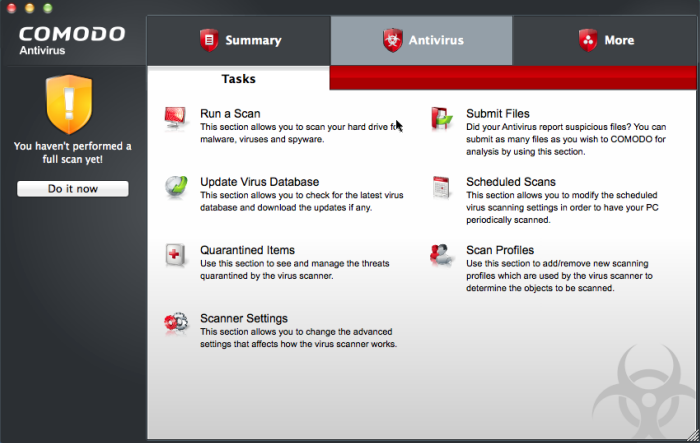
Click the links below to see detailed explanations of each area in this section.