


Domain Aliases
CASG lets you add multiple domains as aliases for a specific domain. Mails sent to the alias will be filtered and delivered to users at the target domain.
For example, if you add testdomain.org as an alias domain for testdomain.com, then mail sent to [email protected] will be filtered and delivered to [email protected]. The 'To:' headers in the email will still display the original recipient as [email protected].
|
Note: Your MX records should be configured appropriately for the alias after adding domain aliases to CASG. |
Add domain aliases
- Click 'Incoming' > 'Domain aliases' in the left-hand menu
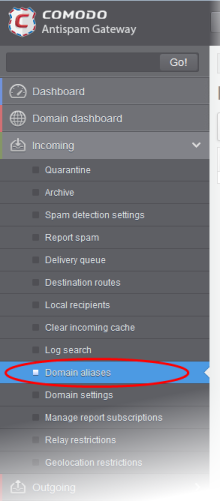
The 'Domain Aliases' interface will open:
- Click the 'Add' button to add a domain alias. The 'Add domain alias' dialog box will open
- Enter the domain alias name in the 'Alias' field

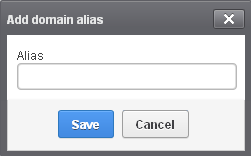
- Click
the 'Save' button. The domain will be added to the main domain as
alias and will be listed in the interface.
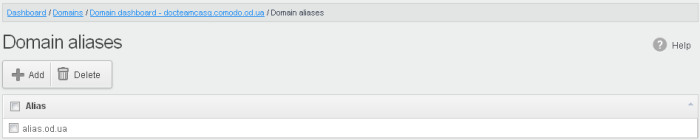
Delete a domain alias
- Select the domain alias from the list
- Click 'Delete'
- Click 'OK' to confirm the deletion.
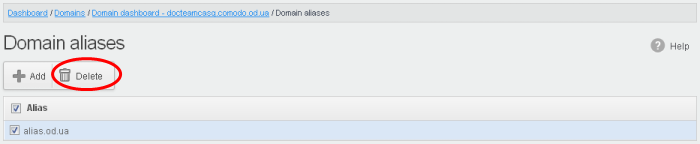
- Click 'OK' to confirm the deletion.
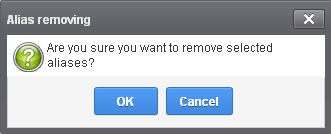
- The selected domain alias will be deleted from the list.