Search for Important Browser Settings
- If you do not know where to find a setting, use the search box to at the top-right of the settings screen
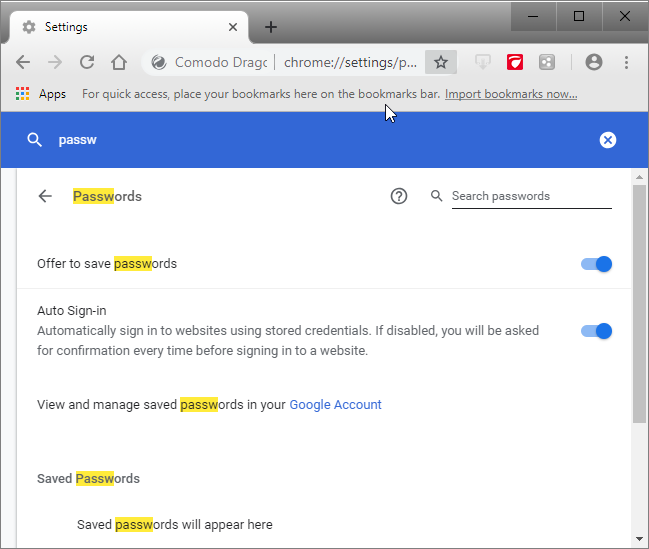
- For example, if you want to know how to manage passwords, you could simply type 'passwords' in the search box
- Every Dragon setting related to passwords will be collected and shown on the right
- You can review and modify the required settings right away
Access the search box settings
- Click the menu
 button at top-right corner
- Select ‘Settings’ from the menu
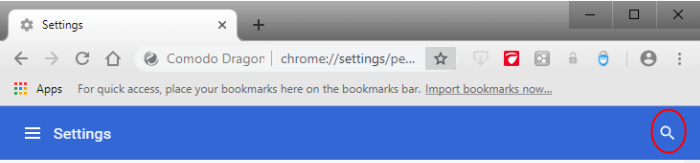
- The settings search box is located at the top-right hand side of the browser
- Type any keyword in the search box and you will be instantly presented with the relevant controls in the right pane
- For example, if you want to know how to manage passwords, you could simply type ‘passwords’ in the search box