


View KillSwitch Logs
- KillSwitch maintains a log of threats and the actions taken against them.
- Logs can be configured in 'Options' > 'Threats Logging Level'.
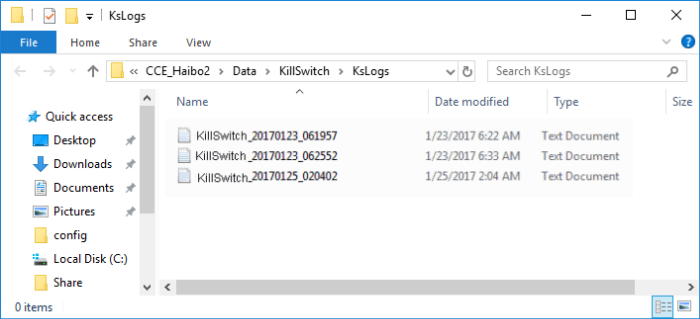
- The logs are stored as date stamped text files in the folder .../CCE/Data/KillSwitchKs/Logs.
To view the log files:
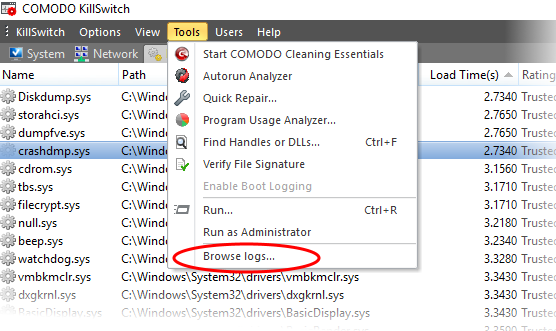
- Click 'Tools' > 'Browse Logs'
The logs folder will open in Windows Explorer.
-
Double click on the file you wish to view.