


Email Size Restriction
- CASG lets you set the maximum size of an email to preserve bandwidth and storage space.
- You can set the max size anywhere up to 250 MB.
- Contact your account manager if you need sizes above 250 MB. Alternatively, open a ticket at support.comodo.com or call 1.888.COMODO (266.6361). Please have your account number ready.
Set email size
restriction
- Click 'Email management' > 'Email size restriction'
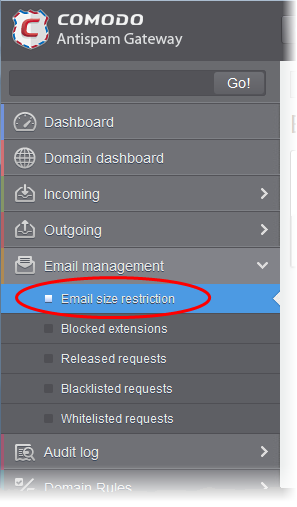
- The 'Email restrictions' interface of the domain selected will open:
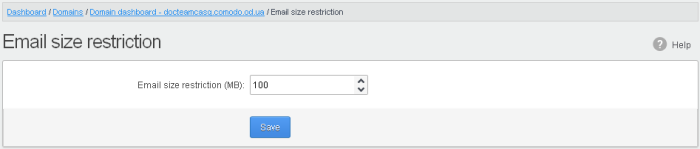
- Enter the maximum allowed size (up to 250 MB) of an email. Incoming and outgoing emails larger than the value set here will be rejected.
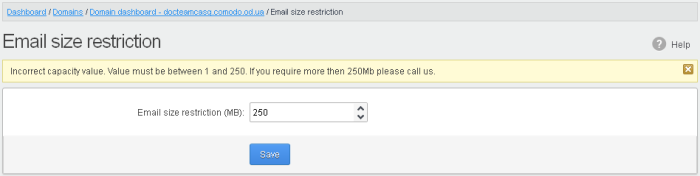
- If you
enter a value more than 250 MB, an alert will be displayed to
contact your account manager at Comodo. The email size will be
automatically set to 250 MB.
- Click 'Save' to confirm your changes.