


CTEM Dashboard
The dashboard provides a centralized view of security problems, vulnerabilities, and compliance gaps across scanned environments. It displays real-time risk scores, active vulnerabilities, and system health metrics, helping MSPs quickly assess and prioritize security issues. Alerts highlight critical risks, while graphical reports and trend analysis track security changes.
Dashboard - Details
Access the Dashboard from the Overview category.
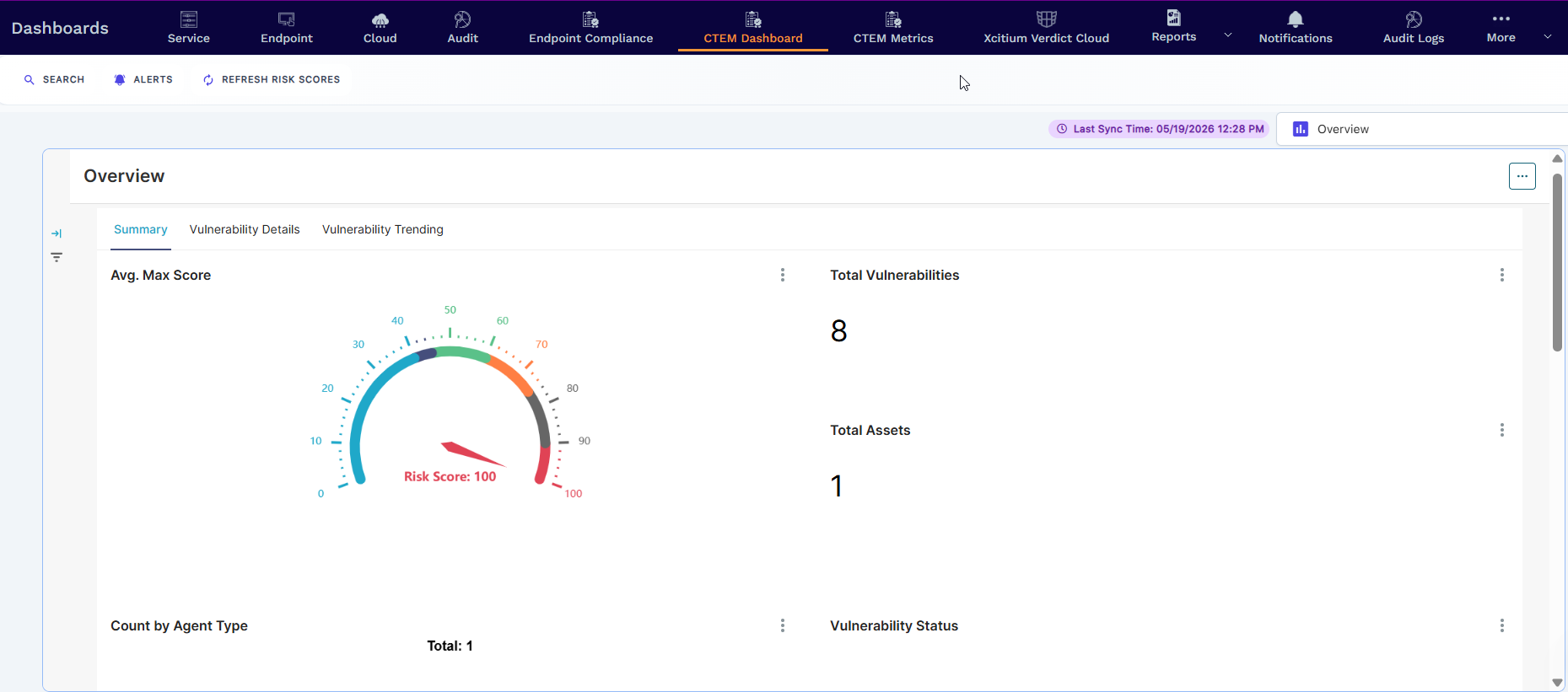
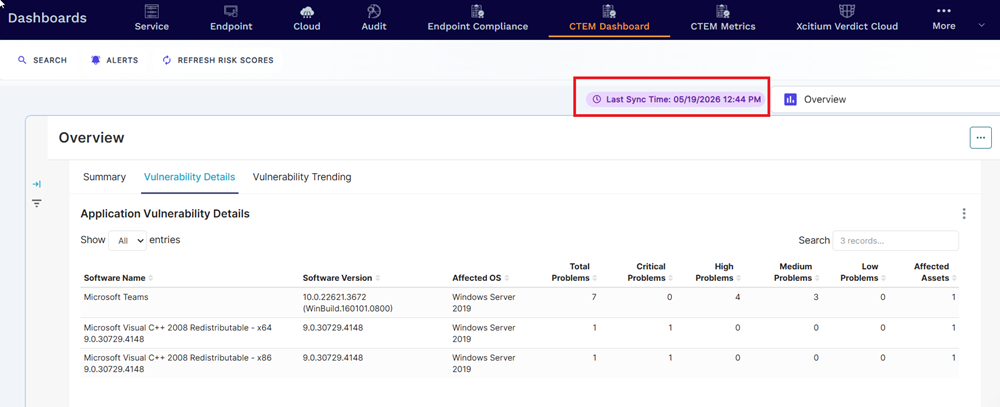
The data is refreshed automatically and has a timestamp to indicate the last sync time.
Switch between the built-in dashboards by accessing the drop-down and tapping the name.
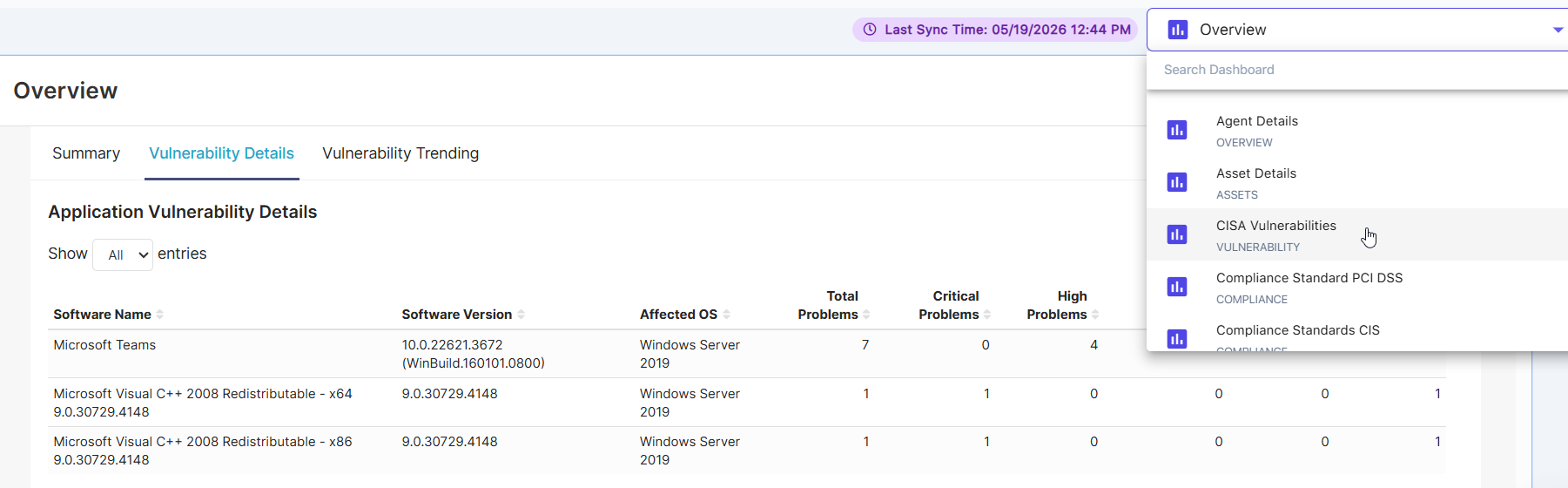
The following built-in dashboards available are categorized into four types:
- OVERVIEW — e.g., Agent Details, Installed Software, Job Details, Schedulers
- ASSETS — e.g., Asset Details, OS by Assets, Port Details
- VULNERABILITY — e.g., CISA Vulnerabilities, Critical Vulnerabilities, Mean Time To Patch, Patch Management, Pending OS Patches, Remediated Count, Remediation Plan, Risk Score Card, Security Report Card, Vulnerability Summary
- COMPLIANCE — e.g., Compliance Standard PCI DSS, Compliance Standards CIS, Compliance Standards Cyber Essentials, Compliance Standards Essential Eight, Compliance Standards GDPR, Compliance Standards GPG 13, Compliance Standards HIPAA, Compliance Standards ISO 27002, Compliance Standards NIST 800 171, Compliance Standards NIST 800 53, Compliance Standards NIST CSF 2.0
Dashboard Pages
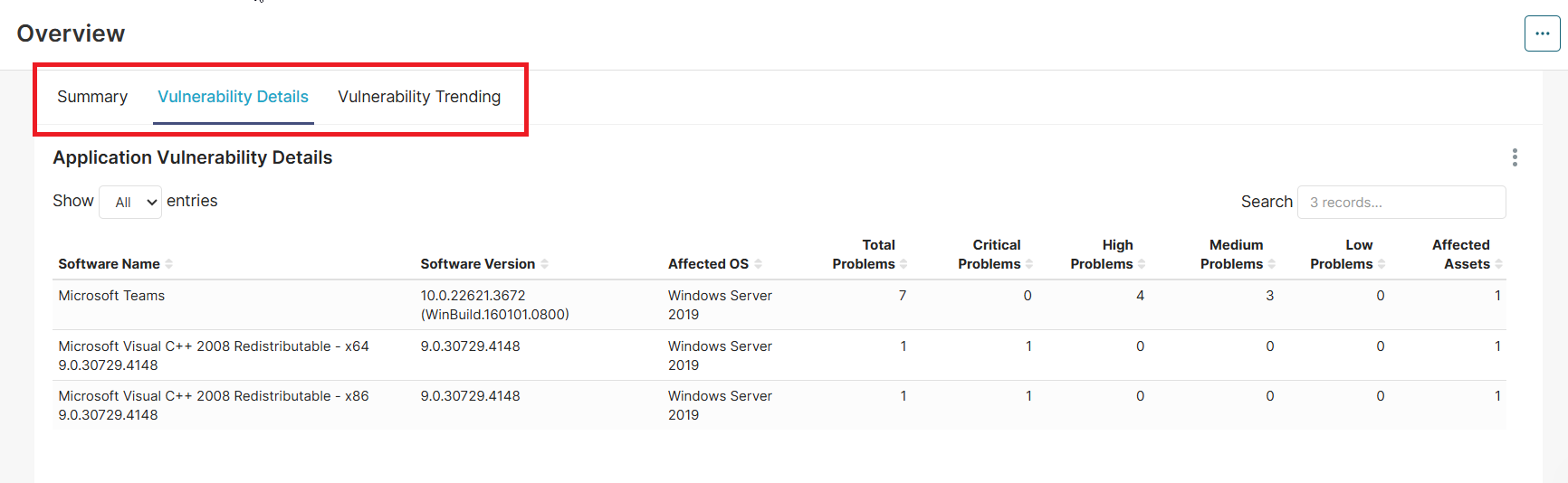
Many of the built-in dashboards will have multiple pages available. Tap between them to see different views and filter sets of the data.
Download Dashboard Data
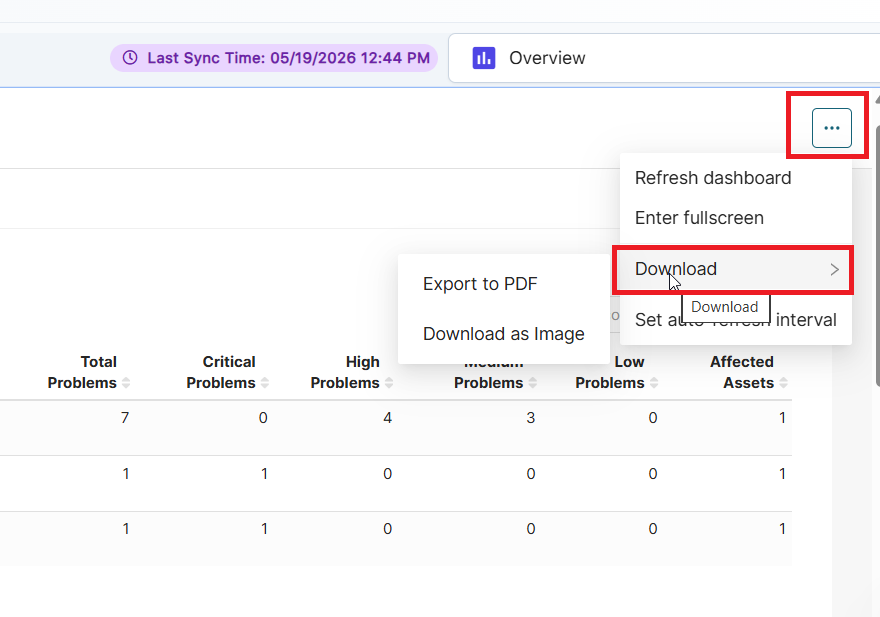
Find something you like in the dashboard. You can download it using the three-dot Action menu > Download options.
Dashboard - Toolbar Options
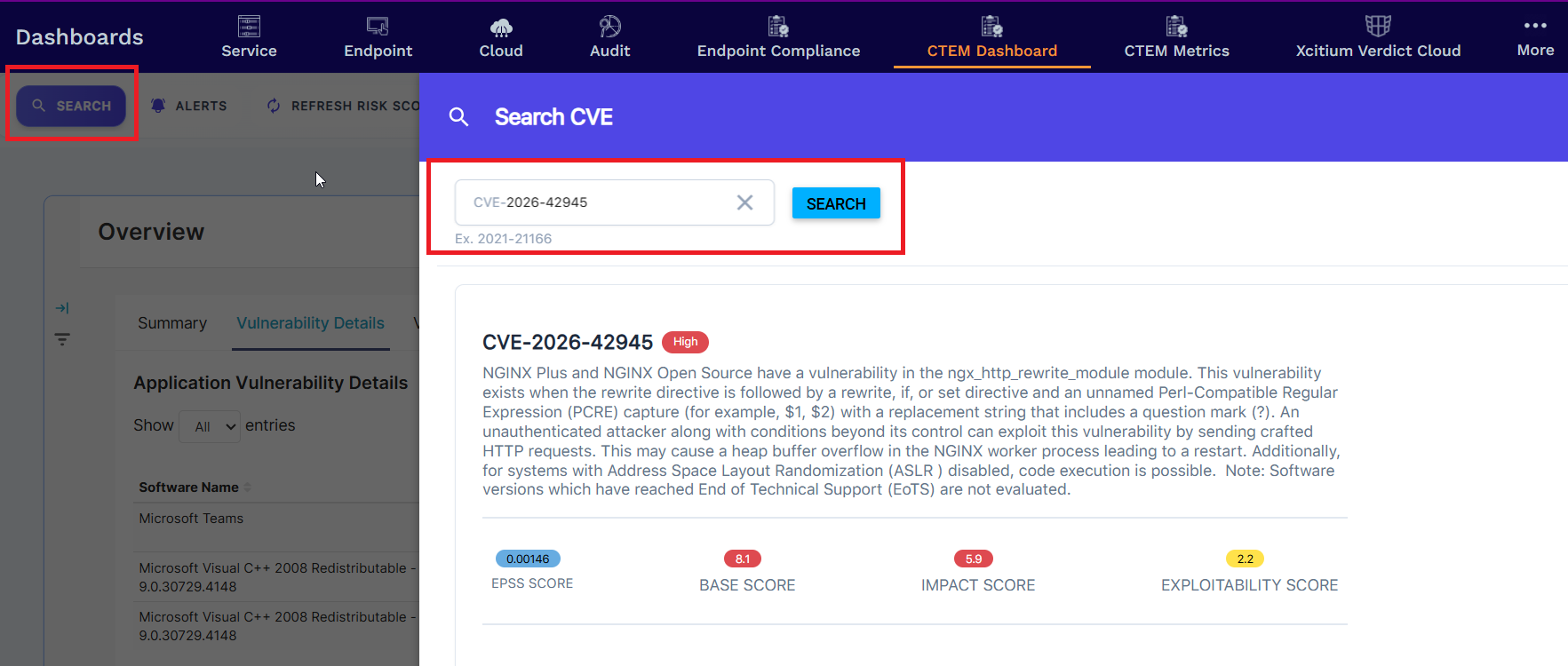
- Search - This CVE search enables you to look up a specific CVE. The assets table below shows any active assets that identify the vulnerability. Tap the IP address of the asset to see the details.
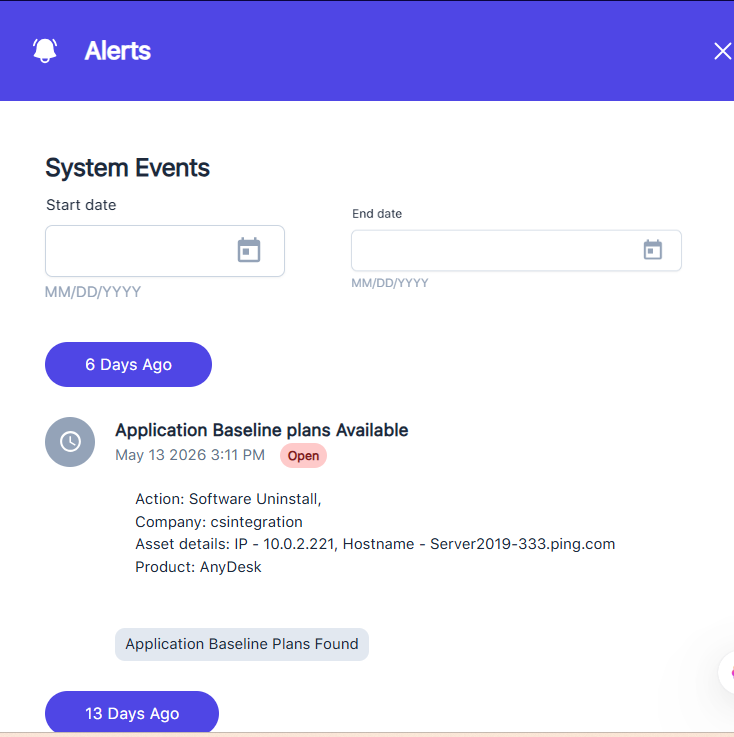
- Alerts - View our timeline style of System Events captured for each company. You can set an optional date filter range to target a specific date range of events.
- Refresh Risk Score - The "Refresh Risk Scores" triggers a re-synchronization and recalculation of the risk scores for all assets under the organization. This means the platform goes out and re-evaluates the current security posture of all monitored endpoints/assets based on the latest available data — such as newly detected vulnerabilities, patch states, compliance gaps, and threat indicators.