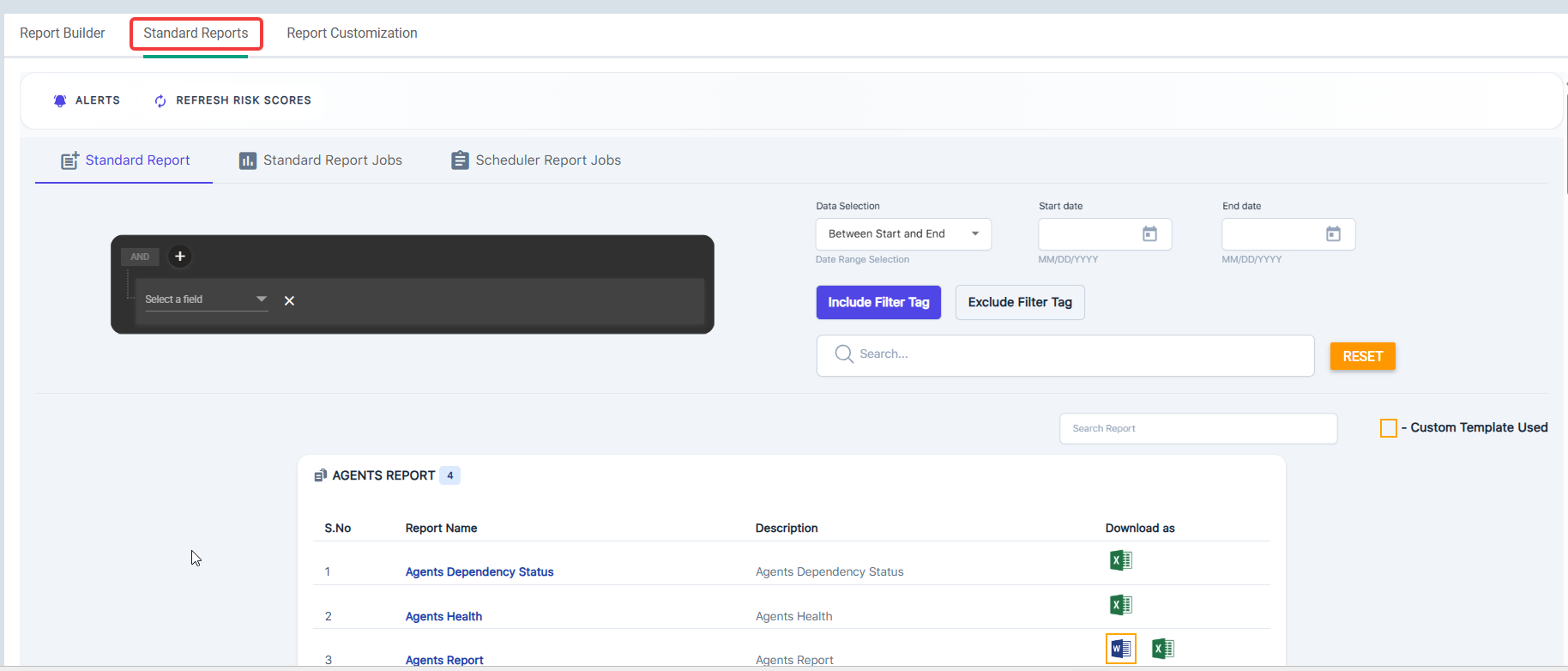
Standard Reports
Standard Reports are the pre-built reports that come standard. They are organized into categories and include various file types for viewing. Reports can be automatically sent out using the Report Scheduler or through various integration support actions.
Any report requested in Excel format that contains more than 100,000 records will now be automatically generated in CSV format.
In the assessment reports, the Risk Score calculation differs and is as follows.
- The PDF report reflects the average of the Risk Score.
- The Word report reflects the average of the Max Risk Score.
Reports are organized into pods based on categories. See the table below for complete details.
| Category | Reports |
| Agents Report | Agents Dependency Status, Agents Health, Agents Report, Discovery Settings and Credentials |
| Assessment Report | Assessment Report, Consolidated Summary, Executive Summary Report, Full Detailed Report, Security Summary Report, Summary Report |
| Vulnerability Reports | All, Application, Asset, CISA, Critical-High, Internal Network Summary, Internal, Network Scan Findings, Network Summary, Remediated Network Summary, Suppressed, Vulnerabilities, Vulnerabilities Summary, Vulnerabilities Overview, Vulnerabilities Trend, WebP Analysis |
| Asset Reports | All Info, Firewall Policy, Missing Patches, Overview, Patches, Asset Report, Services, Software, Status, Storage, Users, Browser Extension Programs, Deprecated Assets, Insecure Listening Ports, Installed Programs, Newly Discovered Assets Last 48 Hours, NTFS Permissions, Open Ports, Other Assets, Risk Score, Share Permissions, System Info, Windows 11 Comp, Windows Assets |
| Compliance Reports | CIS 8.0 Compliance Report, Compliance Summary, Consolidated Compliance, Cyber Essential - Asset Compliance Report, Cyber Essentials Compliance, Essential Eight Compliance Report, GDPR IV Compliance Report, GPG 13 Compliance Reports, HIPAA Compliance, ISO 27002 Compliance Report, NIST 800 171 Compliance Report, NIST 800 53 Compliance Report, NIST CSF 2.0 Compliance Report |
| Security Posture | Compliance Report Card, Security Report Card, SNMP Security Posture, Unquoted Service Path, Unsupported OS |
| Firewalls Reports | Consolidated, Firewall Assets |
| Remediation Plan Reports | Application Baseline, CVE Remediation Report, CVE Remediation Report Product Wise, Missing Windows Patches, OS Pending Patches, Pending Remediation EPSS Score Reports, Remediated EPSS Score, Remediation Plan, Remediation Plan - Detailed, Resolved Remediation Report, Suppressed Solution |
| Patch Job Details | Patch Job Details |
All Asset information Report only displays data for assets scanned in the past 30 days.
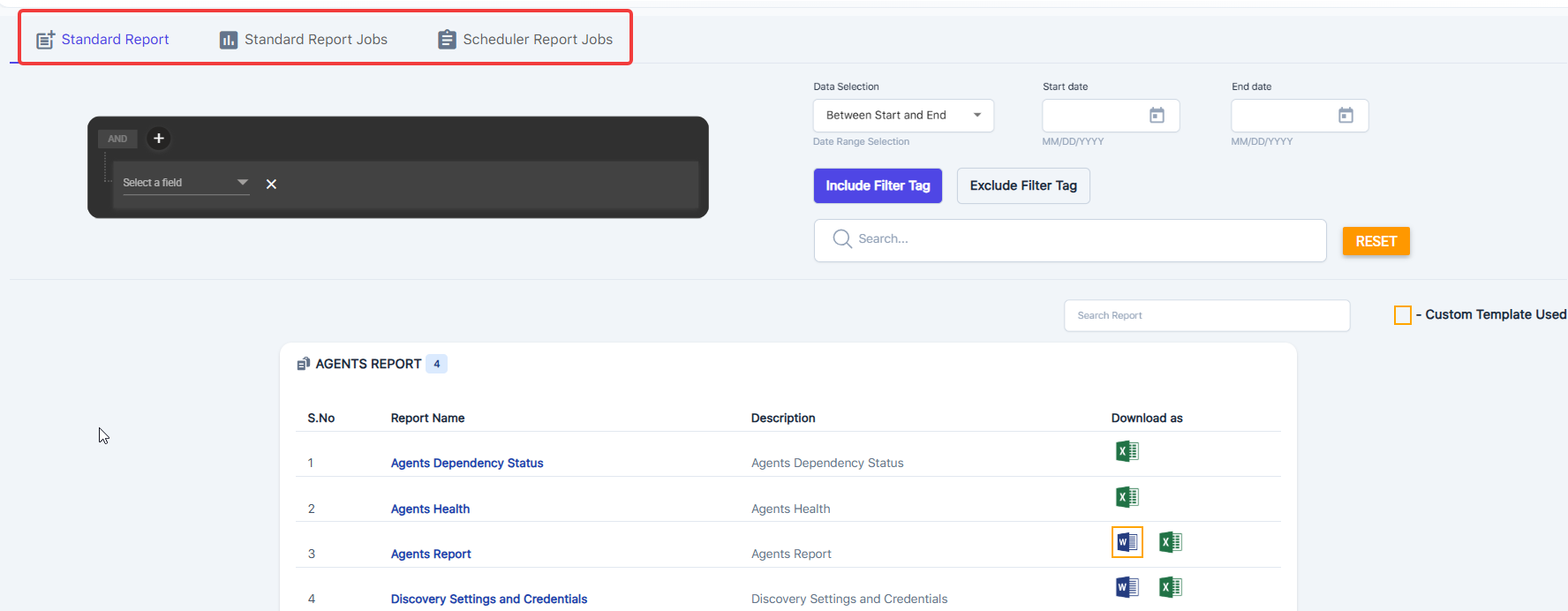
The standard reports are divided into three main sections.
Standard Report
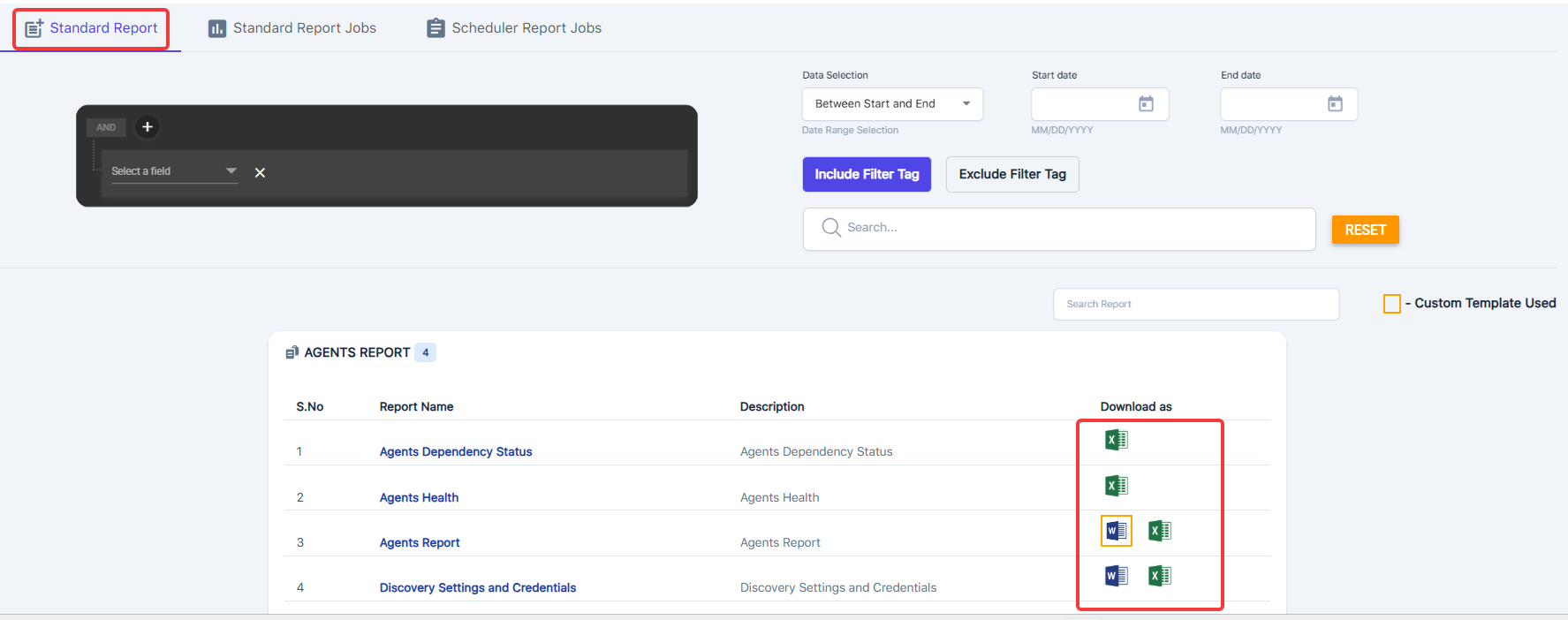
This contains standard report selections and supported file download types. Click the icon to send the report to the Standard Report Jobs section for downloading.
Optional filtering parameters are available; set your filters, then tap print to see the filtered data.
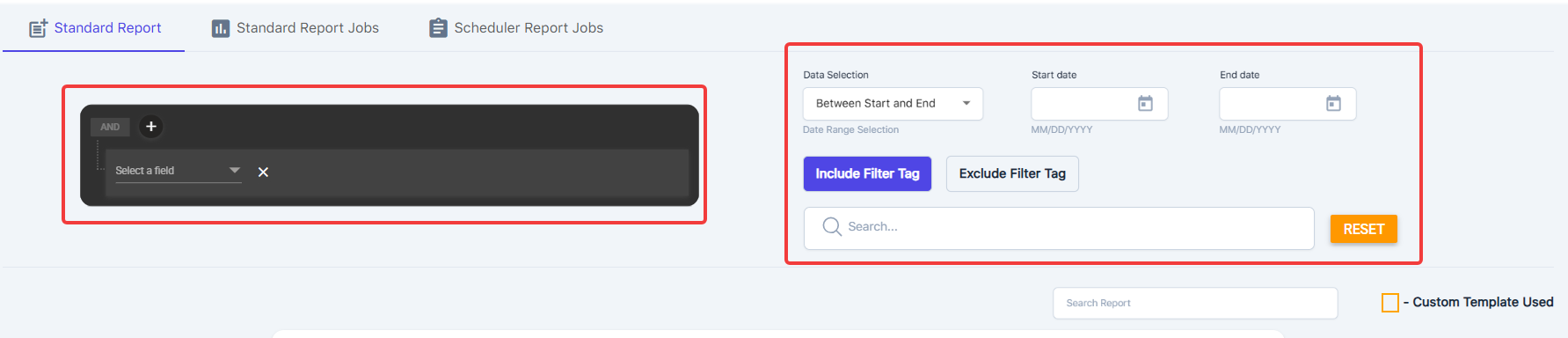
Date Range Filter Logic
The report includes data based on both Created and Updated timestamps.
- If an asset’s Updated date falls within the selected range, it will appear in the report.
- The start date corresponds to the Created timestamp, and the end date to the Updated timestamp.
- Any data with a Created or Updated date inside the selected range will be included
Please note the gold frames around any of the report download file types. This indicates that you are using a customized template.
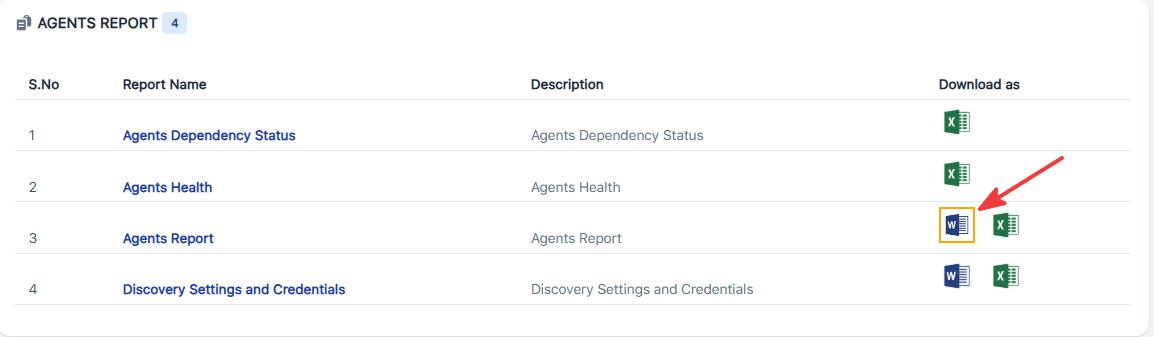
Standard Report Jobs
Reports include only assets that have been scanned within the last 30 days or during the most recent completed scan.
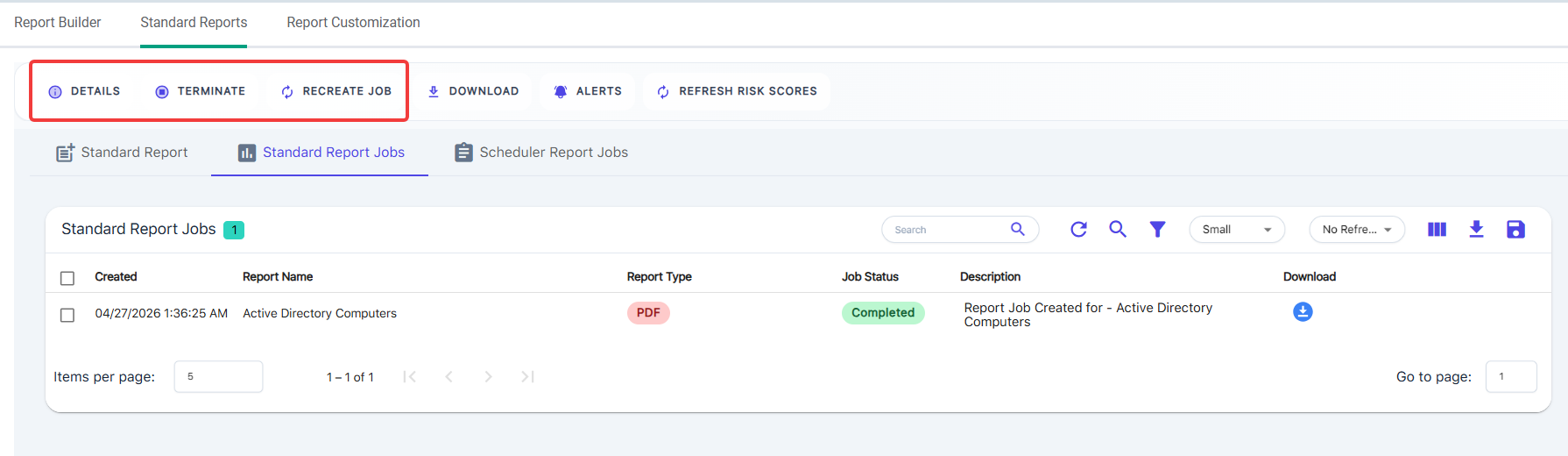
This is where you access and download the requested reports. You will see a history of the reports.
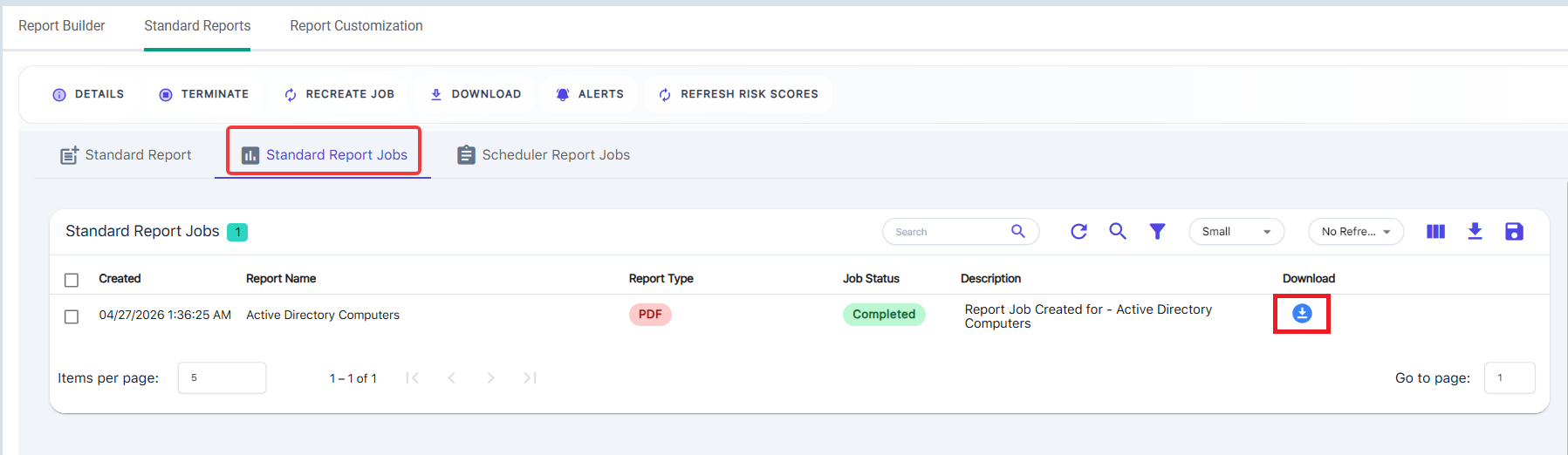
You can select multiple reports and download them into a zip folder using the checkbox and action toolbar.
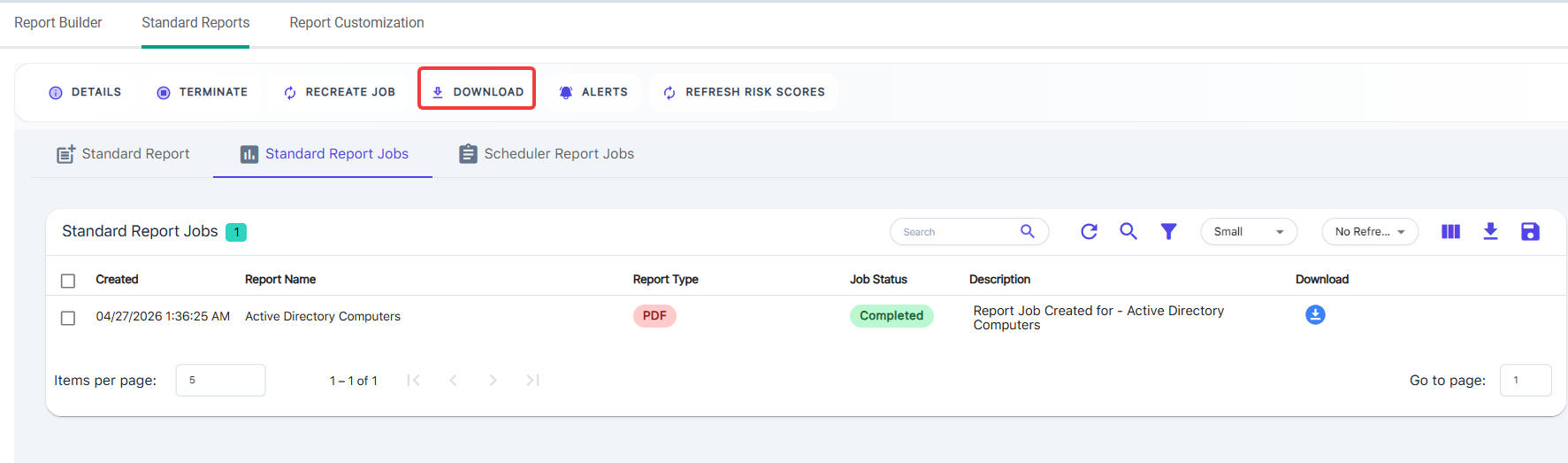
Use the same checkboxes for the Details, Terminate, and Recreate Job actions.
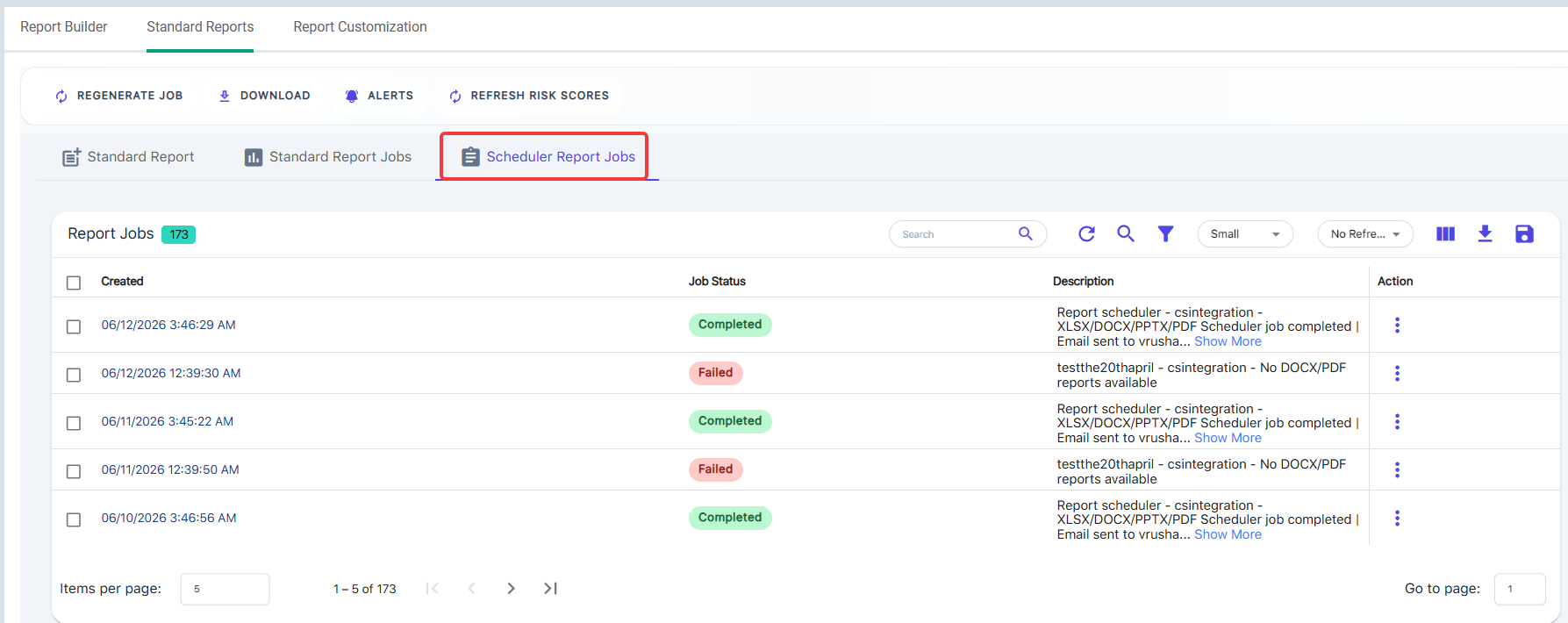
Scheduler Report Jobs
View any of the scheduled report jobs and their history here. Use the Global or Company Report Scheduler to configure the standard reports for automatic delivery.