


Certificates
- Click 'Endpoint Compliance' > 'Certificates' to open this interface.
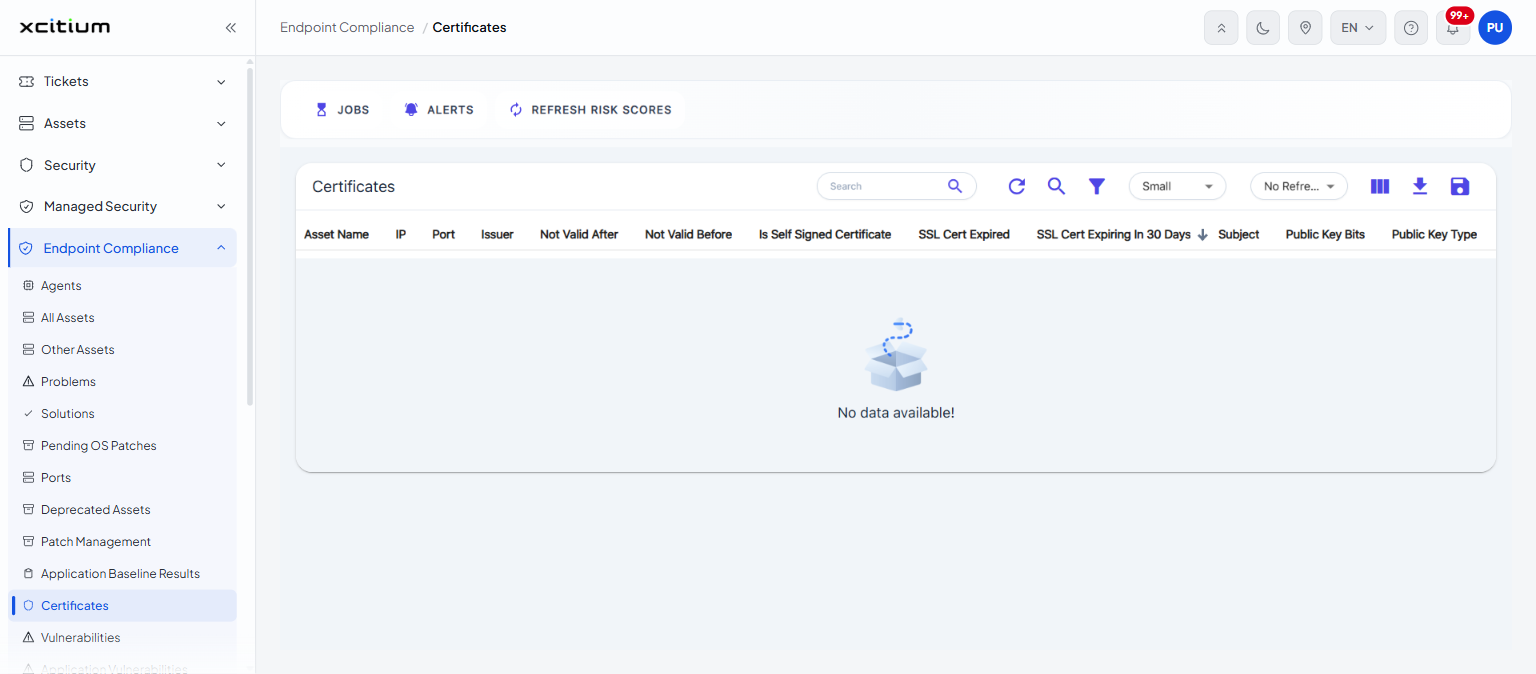
The 'Certificates' page lists the TLS certificates the scans have found on your assets, with the dates that matter and flags for the problems worth chasing - a self-signed certificate, one that has already expired, and one that expires within the month.
You can search, filter, choose columns and export the list from this interface.
Columns
The list is headed 'Certificates'.
| Column | Description |
| Asset Name | The machine the certificate was found on. |
| IP | That machine's IP address. |
| Port | The port the certificate is presented on. |
| Issuer | Who issued the certificate. |
| Not Valid After | The date the certificate expires. |
| Not Valid Before | The date the certificate became valid. |
| Is Self Signed Certificate | Whether the certificate signed itself rather than being issued by an authority. |
| SSL Cert Expired | Whether the certificate has already expired. |
| SSL Cert Expiring In 30 Days | Whether the certificate expires within the next thirty days. |
| Subject | Who the certificate was issued to. |
| Public Key Bits | The size of the public key. |
| Public Key Type | The kind of public key. |
Note: the certificates found on a single machine are also listed on that asset's 'Certificates' inventory tab.