


Long Term Analysis
- Click 'Security' > 'SIEM - X' > 'Long Term Analysis' to open this interface.
Long Term Analysis runs saved investigative queries against the log data the SIEM has collected over a long retention period. The queries are organised in a folder tree on the left of the screen; the result of the query you run appears in the pane on the right.
You can scope the analysis to one MSSP and one customer, search the query tree, expand and collapse it, pick a built-in query and run it.
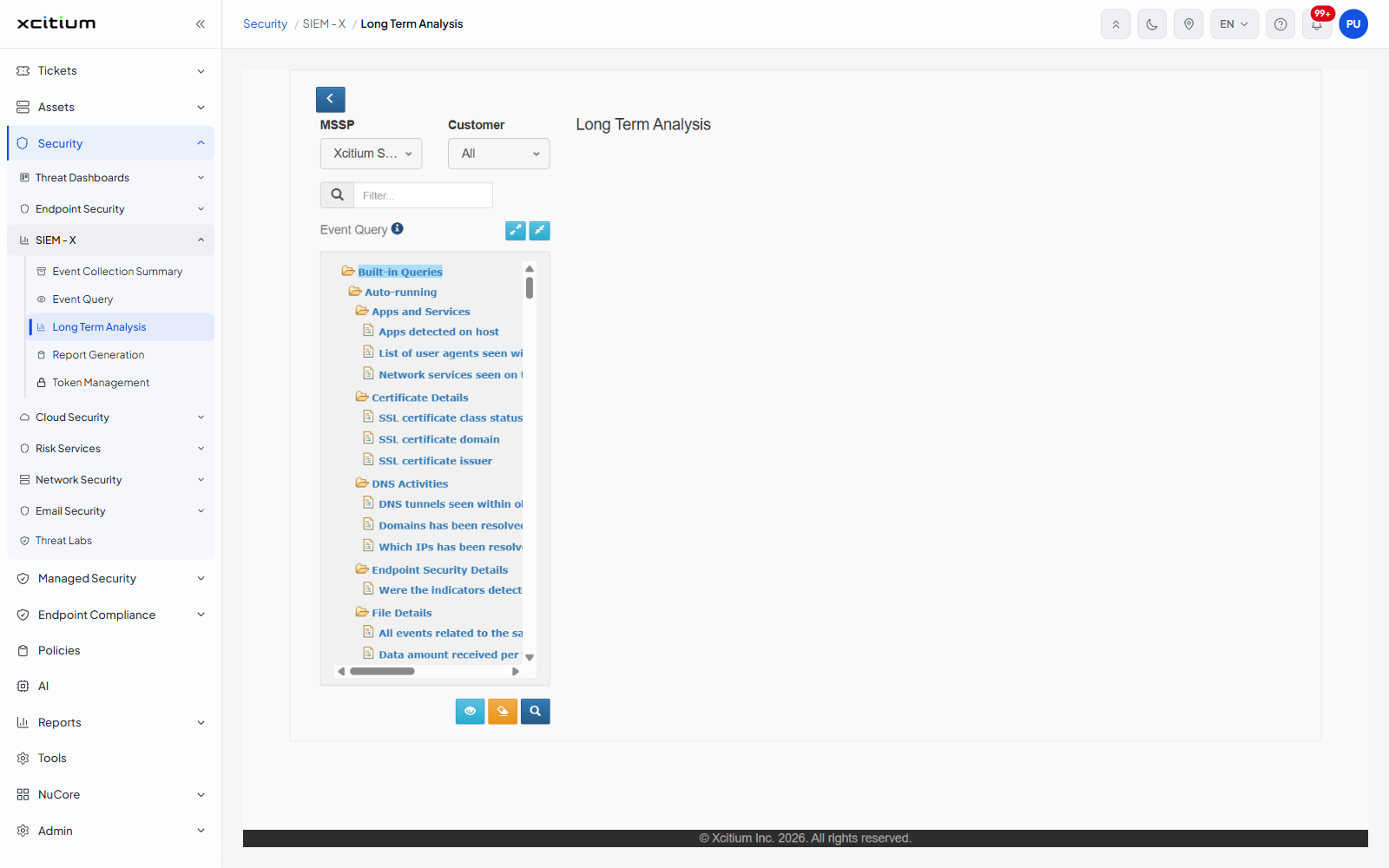
Scope the analysis
| Field | Options | Description |
| MSSP | 'Select MSSP' and the managed service providers on the account | Chooses whose data the queries run against. |
| Customer | 'All' (the default) and the customers under the chosen MSSP | Narrows the analysis to a single customer. |
A chevron button at the top left of the panel carries the tooltip 'Collapse/Expand Left Pane'. It hides the whole query tree so the result pane fills the window.
Find a query
| Control | Description |
| Filter... | A box with a magnifier button. Type part of a query name to narrow the tree. |
| Show All | A link beside the filter box that puts every query back in the tree. |
| Expand All | The left of the two blue buttons beside the 'Event Query' caption. Opens every folder. |
| Collapse All | The right of the two blue buttons. Closes every folder. |
The query tree
The tree has a single root, 'Built-in Queries'. Under it are seven folders, each with its own sub-folders and query leaves. Folders are drawn with an open-folder icon; queries with a document icon.
| Folder | Sub-folders |
| Auto-running | 'Apps and Services', 'Certificate Details', 'DNS Activities', 'Endpoint Security Details', 'File Details', 'Host Details', 'Lookaround Activities', 'Network Details', 'Session Details', 'User Details' |
| Cloud Security | 'Access', 'API Token-Management', 'Application Data', 'Audit', 'Identity Service', 'Integration', 'Mobile Device Management', 'Monitoring', 'Multi Factored Authentication Management', 'Network Traffic', 'Password Management', 'Privilege Management', 'Security Alert', 'Security Settings', 'User Management' |
| Endpoint Security Events (EP/EDR/HIPS) | 'Endpoint Security Management' |
| Incidents Details | 'Common Incidents Queries' |
| Microsoft Based Events | 'MS AD Events', 'MS Audit Events', 'MS File Server Events' |
| Network Security Events | 'Network Security Device Management', 'Network Security Event Queries' |
| SOC Reports Based Queries | 'Authentication Analysis', 'Email Security', 'Endpoint Analysis', 'Microsoft Events Summary Report', 'Operational Reports Queries', 'Proxy Bypass', 'Traffic Analysis', 'Web Security' |
Run a built-in query
- Set 'MSSP' and 'Customer' to the scope you want.
- Expand the folder you need and click the query leaf. The leaf is highlighted to show it is selected.
- Click the magnifier button under the tree, whose tooltip reads 'Search'.
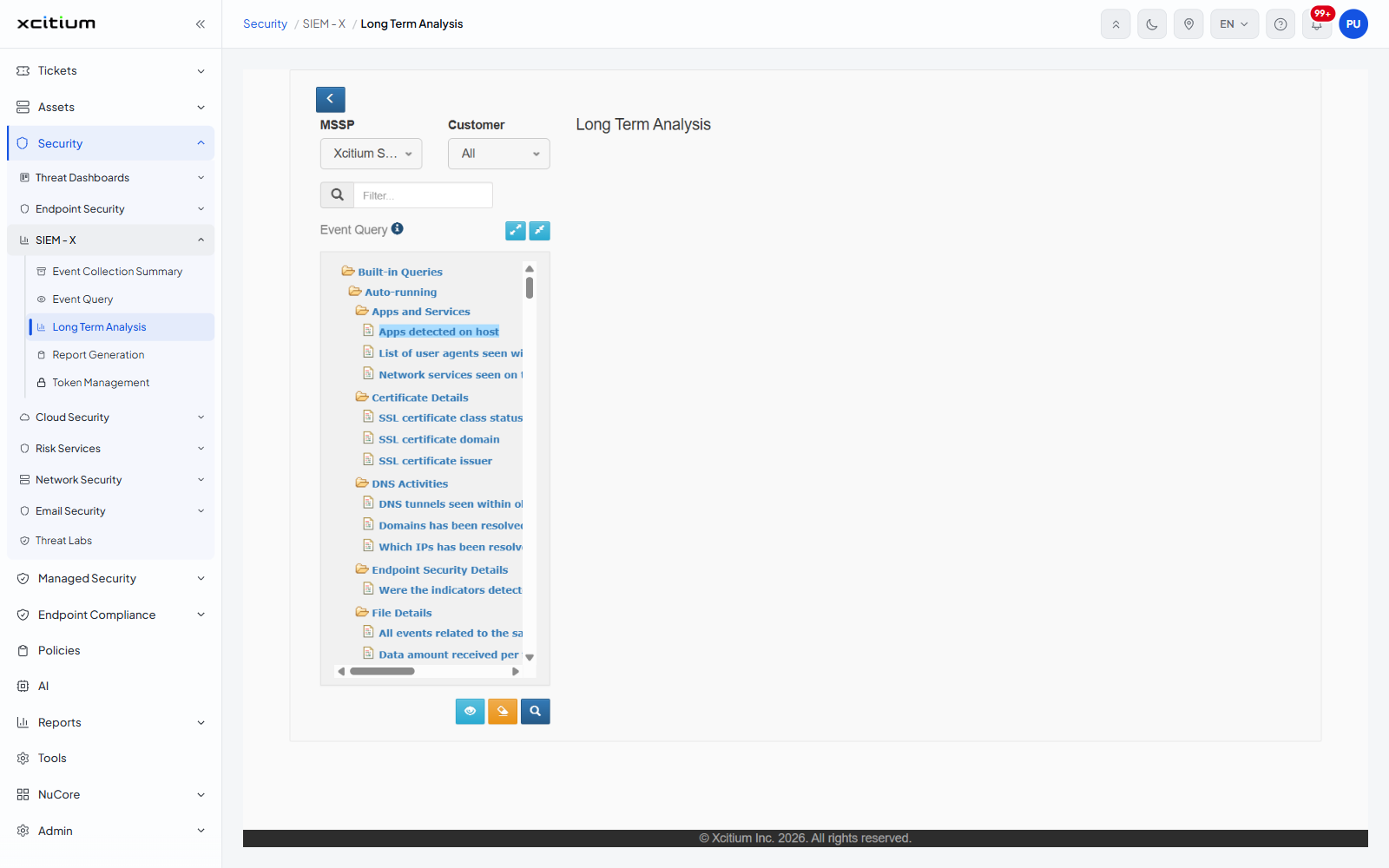
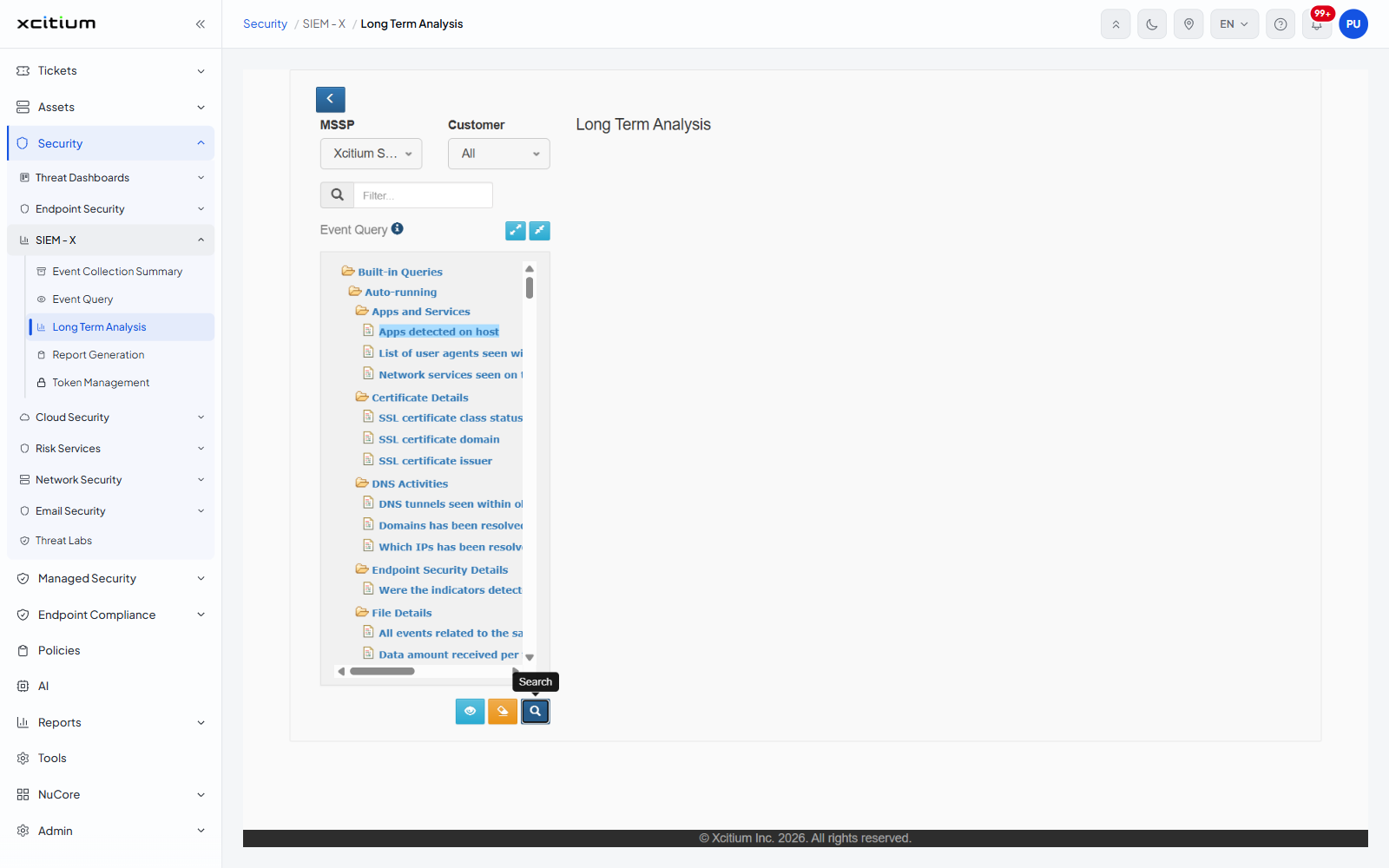
The buttons under the tree
| Button | Tooltip | Description |
| Blue eye | Filter Preview | Shows the filter the selected query will run with. |
| Orange | Clear Query | Empties the query that is loaded. |
| Dark blue magnifier | Search | Runs the selected query. |
Note: the results of a query appear in the right-hand pane under the 'Long Term Analysis' heading. If no results are shown, check the MSSP and Customer selection and the query, and click 'Search' again.