Managed Security
- Click 'Managed Security' in the left navigation bar to open this module.
'Managed Security' is the managed security service (SOC) area of the console. It shows the security posture of every customer you manage, the incidents and alerts raised against them, the log collection behind those alerts, the reports produced for them, and the service tickets opened on their behalf.
You can review service-wide health, drill into a single customer, add or import customers, work through incidents, build and schedule reports, and open service tickets from this module.
How the module is organised
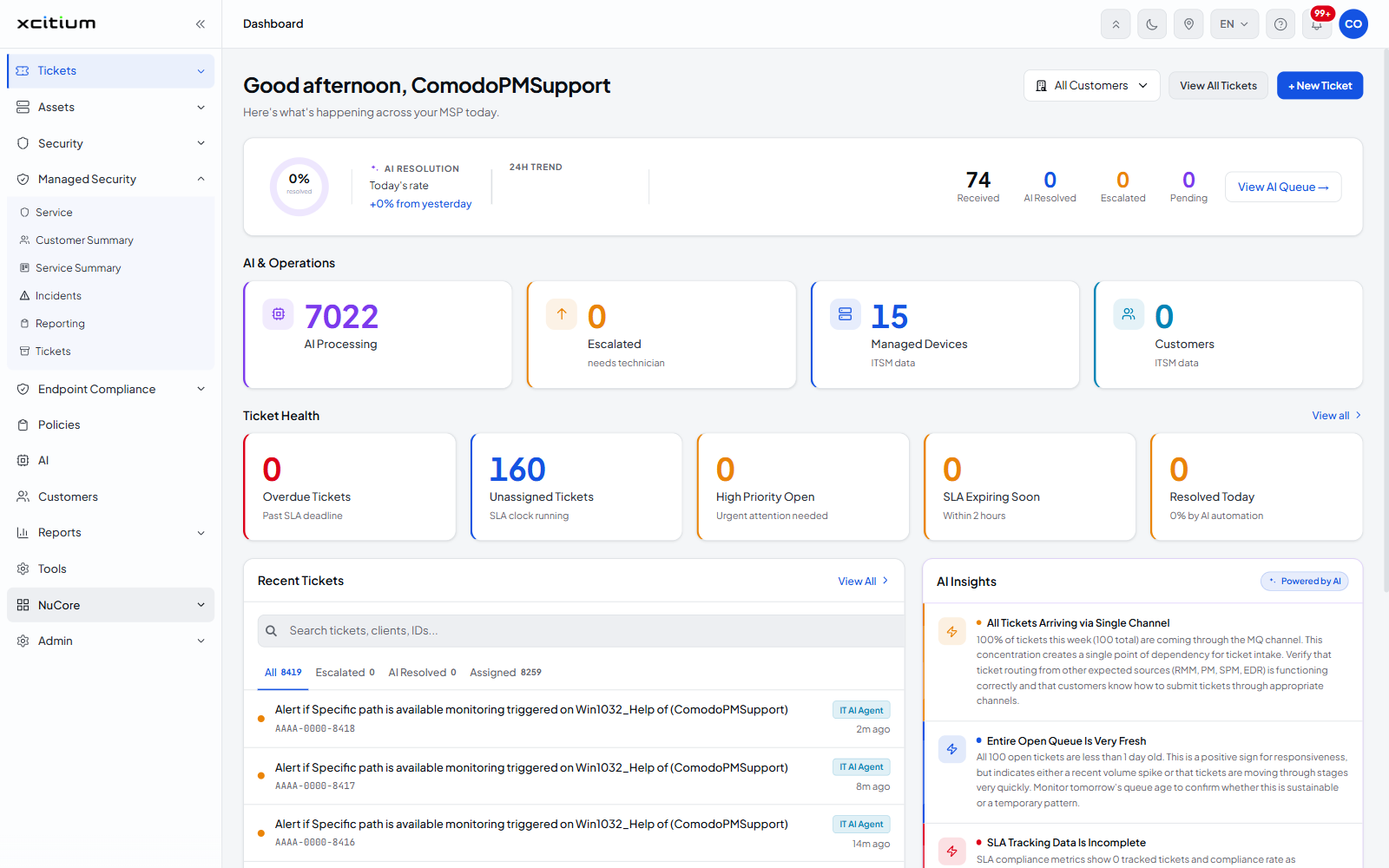
'Managed Security' is a top-level navigation item. Clicking it expands a flat list of six pages. There are no sub-groups.
| Page | What it is for |
| Service | The service-wide summary. Customer counts, threat counts, the four security pillars, report counts, recent alerts and incidents, and the 'Customer Health' list. See Service. |
| Customer Summary | A single customer's security posture across endpoint, network, cloud and web. See Customer Summary. |
| Service Summary | The service view for a selected customer. See Service Summary. |
| Incidents | The incident queue raised by the managed security service. See Incidents. |
| Reporting | The reports produced for your customers. See Reporting. |
| Tickets | Service tickets raised through the managed security service. See Tickets. |
Open the Managed Security module
- Sign in to the platform.
- Click 'Managed Security' in the left navigation bar. The item expands and shows its six pages.
- Click the page you want.