


API Scan
- Click 'Security' > 'Cloud Security' > 'API Security', then click the 'Scan' tab to open this interface.
A scan takes the API specifications you have uploaded and tests what they describe. This tab lists the scans you have set up, whether each runs once or on a schedule, when it last ran and how it ended.
You can create a scan, search the list, filter it by status, refresh it, and switch a scan on or off without deleting it.
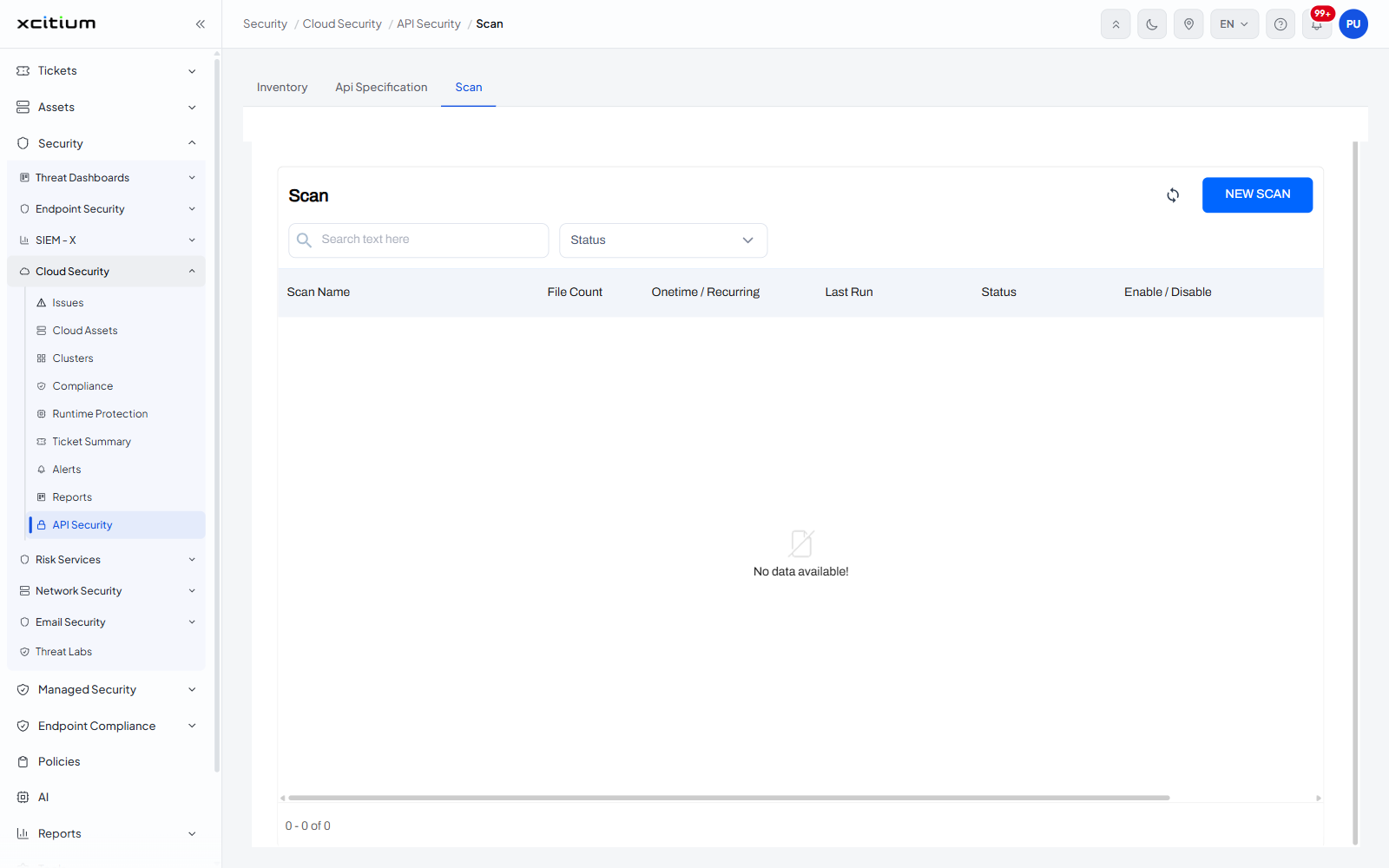
The interface
The tab is a single panel headed 'Scan'. A refresh icon and a blue 'NEW SCAN' button sit at its top right. Under the heading are a search box with the placeholder 'Search text here' and a 'Status' drop-down.
Column descriptions
| Column | Description |
| Scan Name | The name the scan was saved under. |
| File Count | How many specification files the scan covers. |
| Onetime / Recurring | Whether the scan runs once or on a schedule. |
| Last Run | When the scan last ran. |
| Status | How that run ended. |
| Enable / Disable | A control that switches the scan on or off. |
Controls
| Control | Description |
| NEW SCAN | A blue button at the top right that starts a new scan definition. |
| Refresh | A circular-arrow icon beside 'NEW SCAN' that reloads the list. |
| Search text here | A search box that narrows the list as you type. |
| Status | A drop-down that filters the list by the state of the last run. |
Create a scan
- Upload the specification you want tested on the 'API Specification' tab.
- Open the 'Scan' tab and click 'NEW SCAN'.
- Name the scan, choose the files it covers and whether it runs once or repeats.