


The Windows Application Store
- Click 'Assets' > 'Applications' > 'Desktop Application Control', then open the 'Windows Application Store' tab.
The store is the catalogue of applications the platform can install on your managed Windows devices.
You can browse the catalogue, see which of your devices already carry an application, and push an application out.
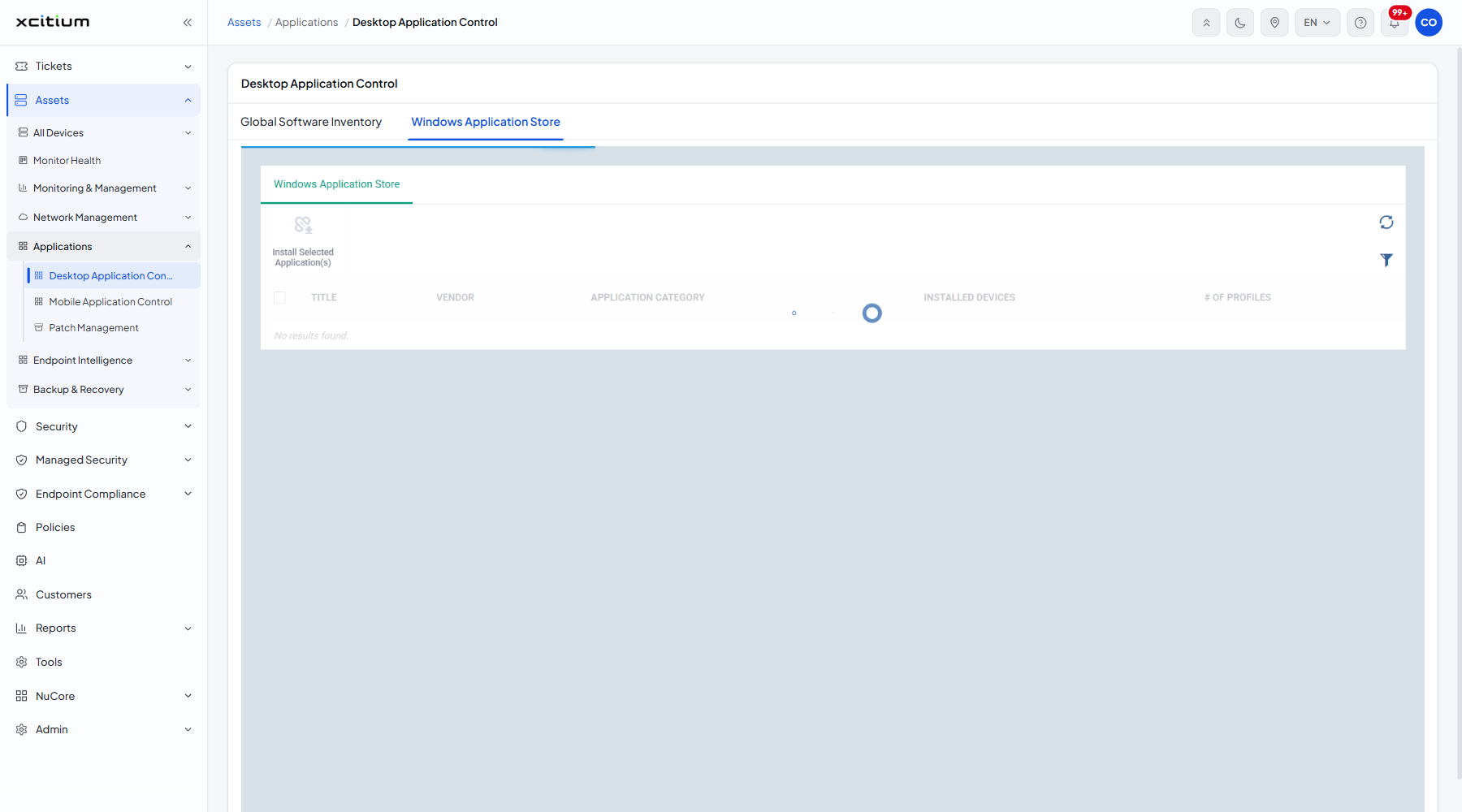
The toolbar
| Button | Description |
| Install Selected Application(s) | Installs the ticked applications on devices you choose. Greyed out until a row is ticked. |
A refresh icon and a filter icon sit at the right.
The columns
| Column | Description |
| (checkbox) | Ticks the row so 'Install Selected Application(s)' becomes available. |
| Title | The name of the application. Click it to open it. |
| Vendor | Who publishes it. |
| Application category | The category it is filed under. |
| Installed devices | How many of your devices already carry it, as a count and a link. |
| # of profiles | How many profiles install it, shown as 'n / n'. |
The filter panel
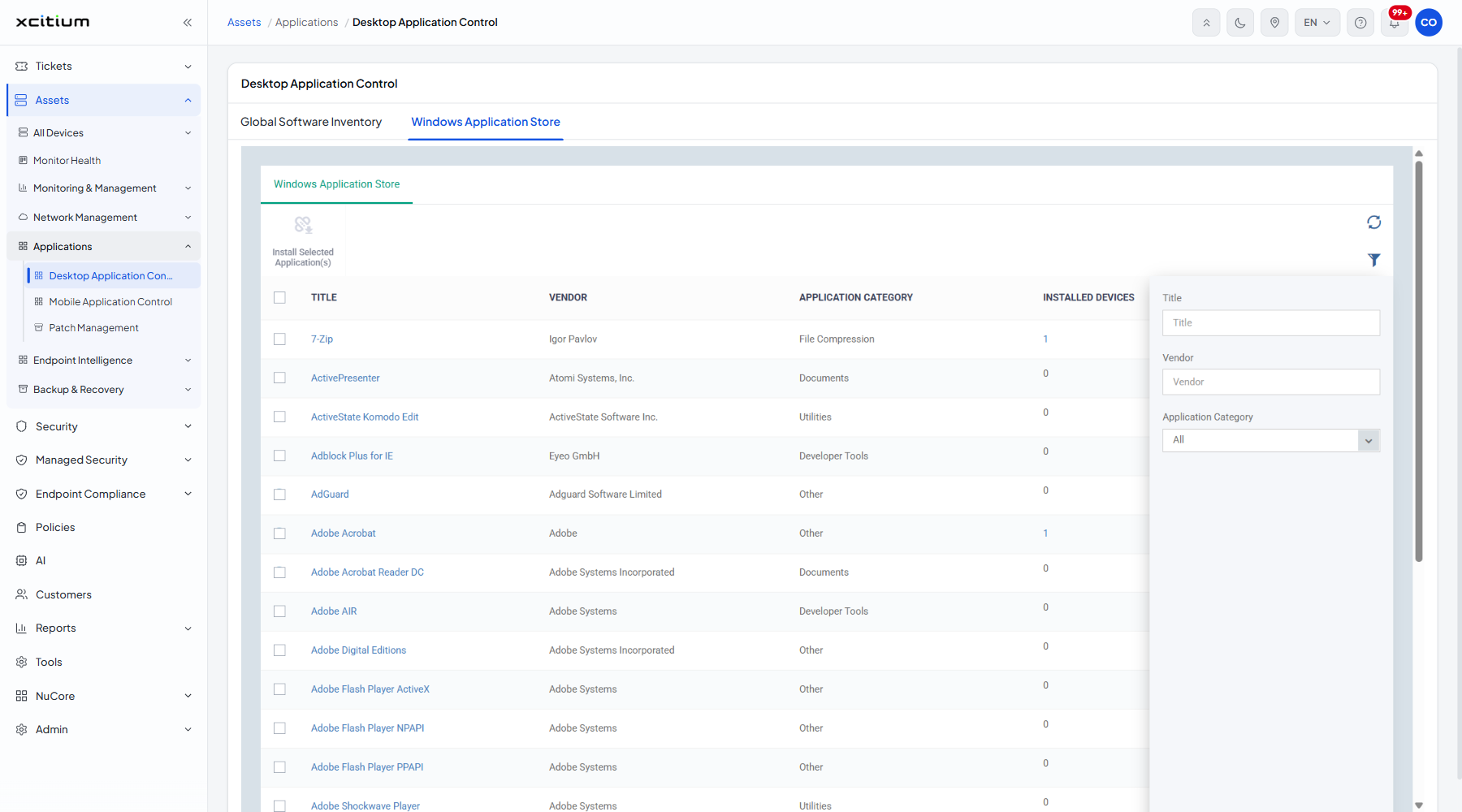
| Field | Type | Options / default | Required |
| Title | Text box | Empty by default. | No |
| Vendor | Text box | Empty by default. | No |
| Application Category | Dropdown | 'All' (default), 'Xcitium Products', 'Runtimes', 'Web Browsers', 'Utilities', 'Messaging', 'File Compression', 'Developer Tools', 'Documents', 'Online Storage', 'Other'. | No |
A store application's pages
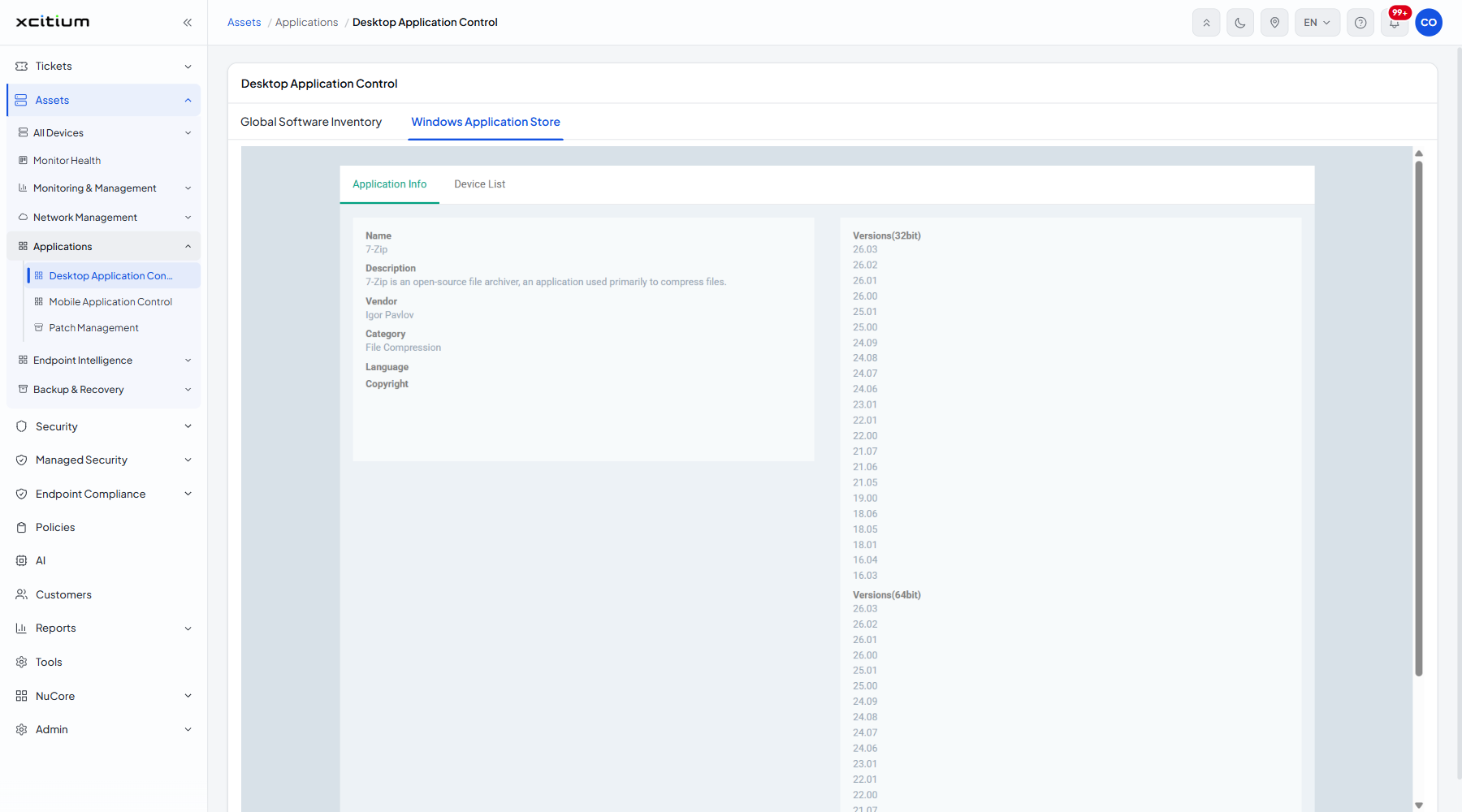
Clicking a Title opens two tabs, 'Application Info' and 'Device List', laid out exactly as they are for an inventory application. Store entries carry a real Description where inventory entries often do not.
Install an application from the store
- Click 'Assets' > 'Applications' > 'Desktop Application Control'.
- Open the 'Windows Application Store' tab.
- Click the filter icon, type the name into ‘Title’ and click ‘Apply’.
- Click the Title to check the versions on offer, then go back.
- Tick the application.
- Click 'Install Selected Application(s)'.
Note: like its sibling on the inventory tab, this control acts on live devices. Check which devices you are targeting before you click.