


Network Scan Findings
- Click 'Endpoint Compliance' > 'Network Scan Findings' to open this interface.
The 'Network Scan Findings' page lists what a network scan saw from outside the machine, as opposed to what an agent reported from inside it. These findings are produced by a probe agent scanning the network it sits on.
You can switch between active and suppressed findings, show only confirmed ones, and search, filter and export the list.
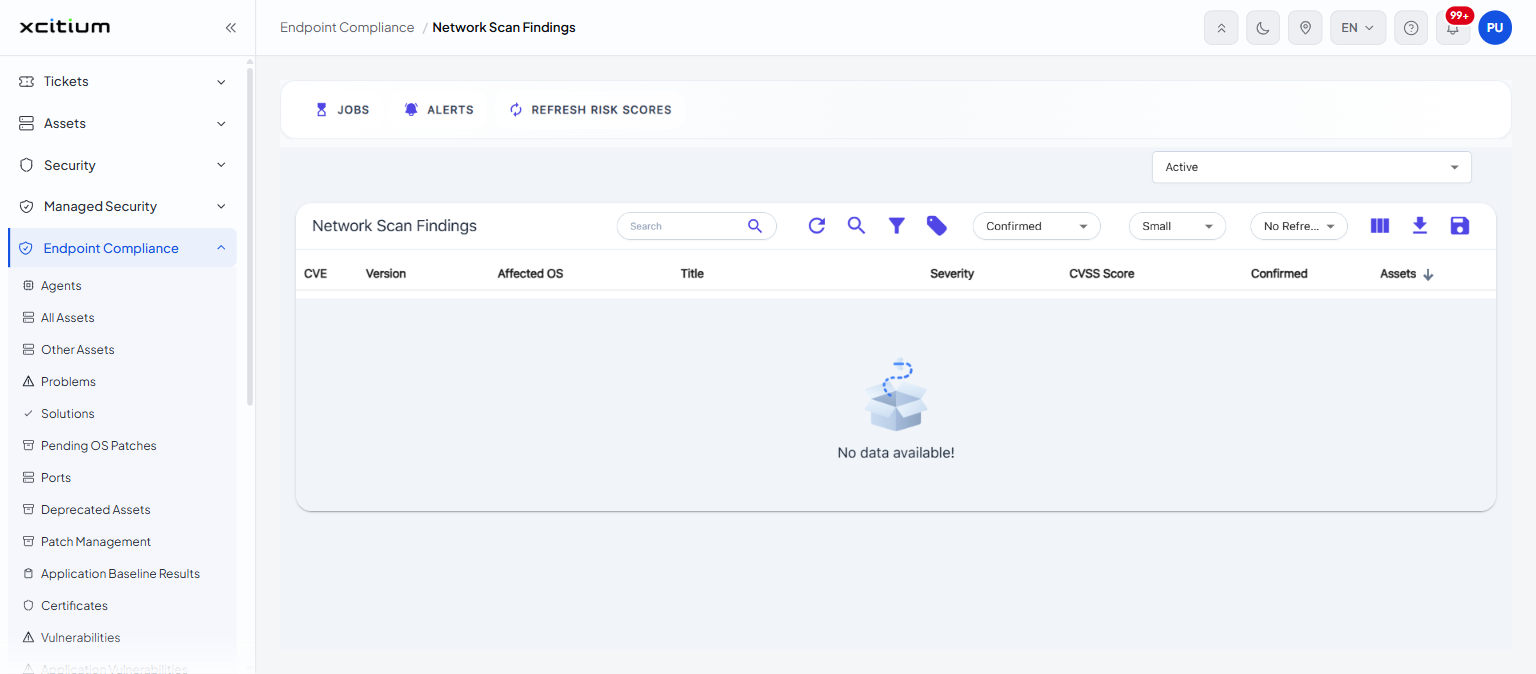
Filter controls
| Control | Description |
| Status | A drop-down above the list whose options are 'Active' and 'Suppressed'. The default is 'Active'. |
| Confirmed | A drop-down on the list toolbar whose options are 'All', 'Confirmed' and 'Unconfirmed'. The default is 'Confirmed'. |
Columns
The list is headed 'Network Scan Findings'.
| Column | Description |
| CVE | The identifier of the finding. |
| Version | The version of the affected software. |
| Affected OS | The operating system affected. |
| Title | The title of the finding. |
| Severity | How severe it is. |
| CVSS Score | Its CVSS score. |
| Confirmed | Whether the finding has been confirmed. |
| Assets | How many assets it affects. |
Note: network scanning needs a probe agent on the network. See 'Probe Agents'.