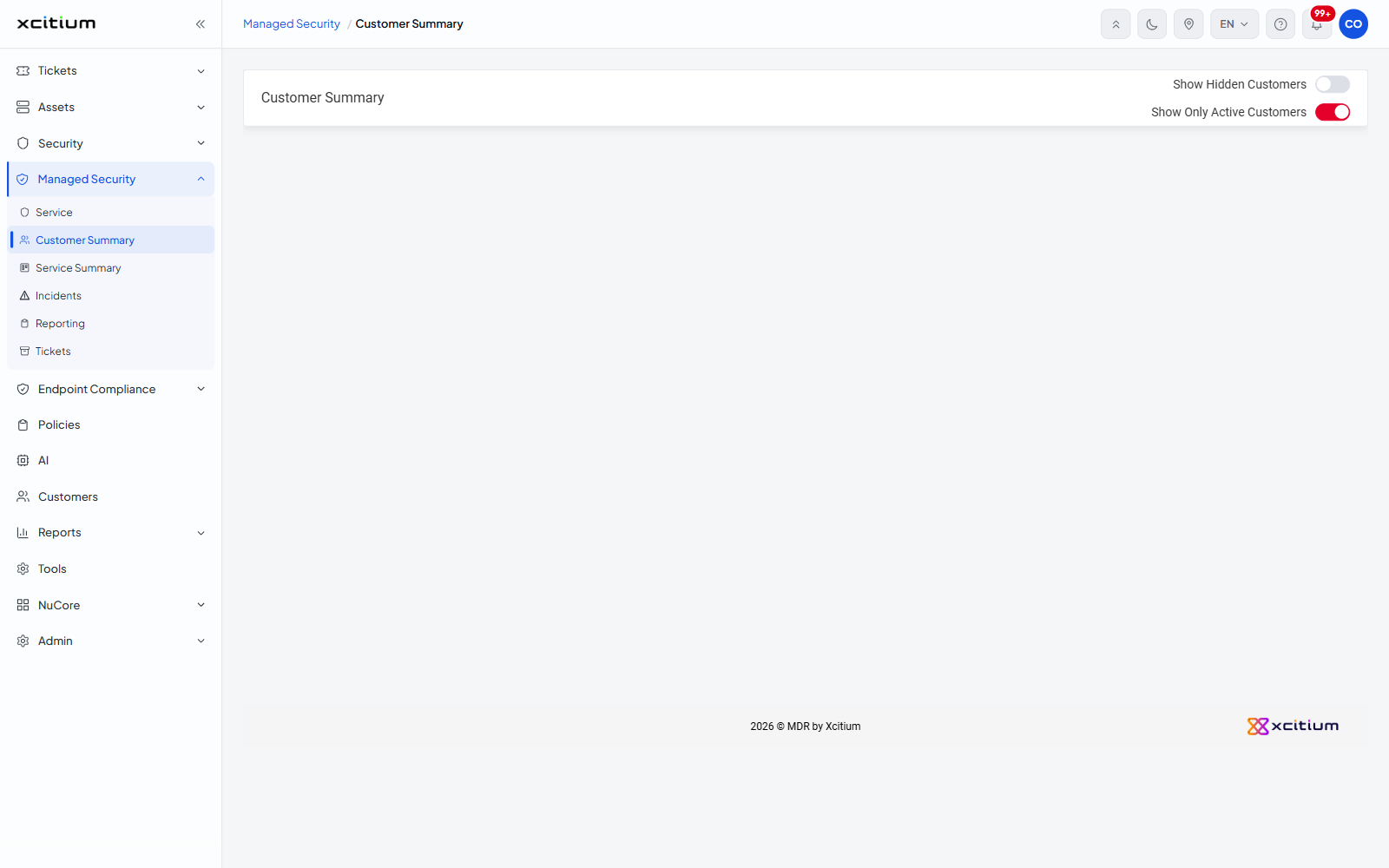
Customer Summary
- Click 'Managed Security' > 'Customer Summary' to open this interface.
This page lays your customers out as cards, one card per customer, sorted by name. Each card carries the seven service figures for that customer, so you can see at a glance which customers have work waiting on them.
You can bring hidden customers into the view, narrow the view to active customers only, and open a customer by clicking their card.
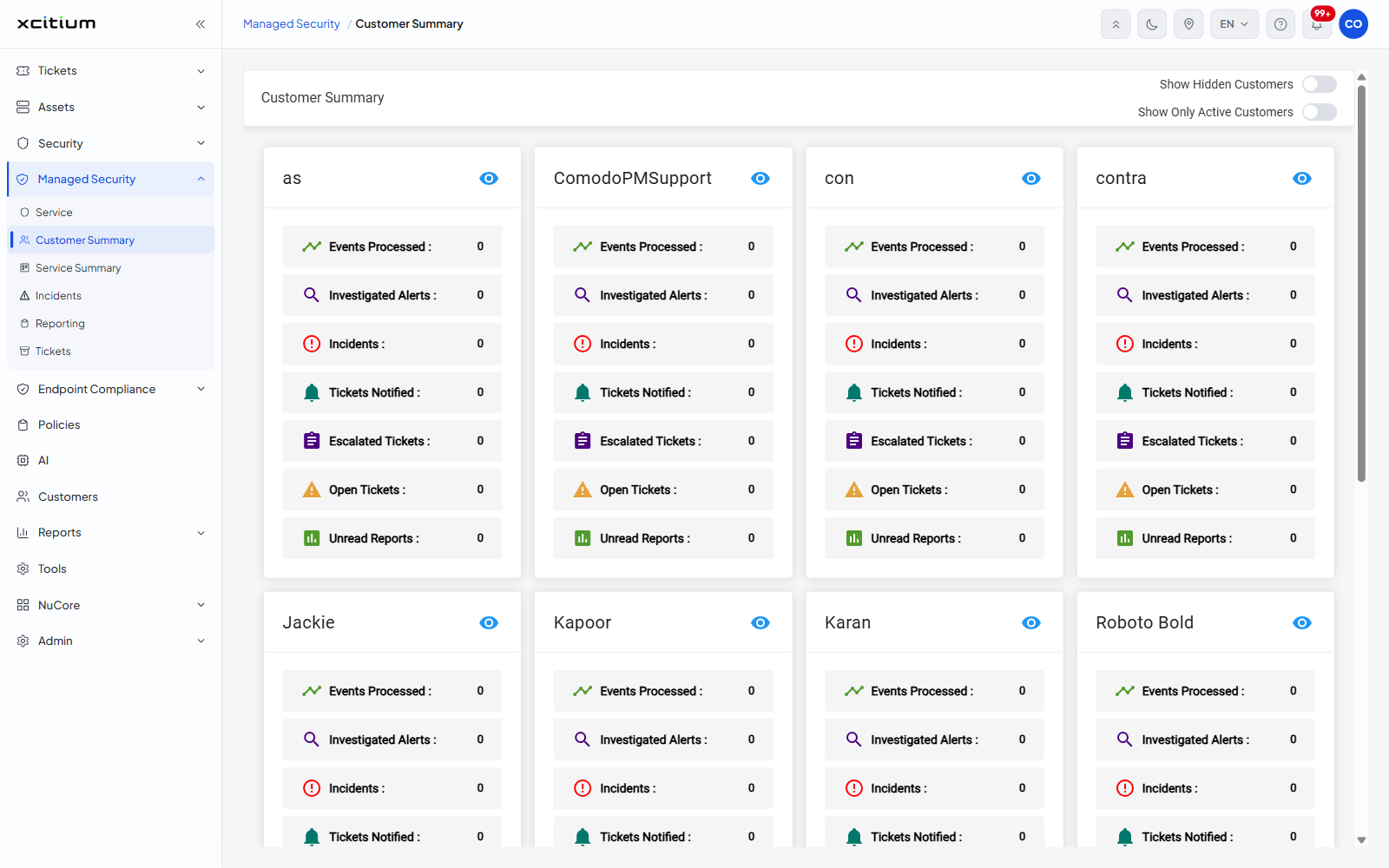
Hover over a card and it is outlined, to show it is the one you are about to open.
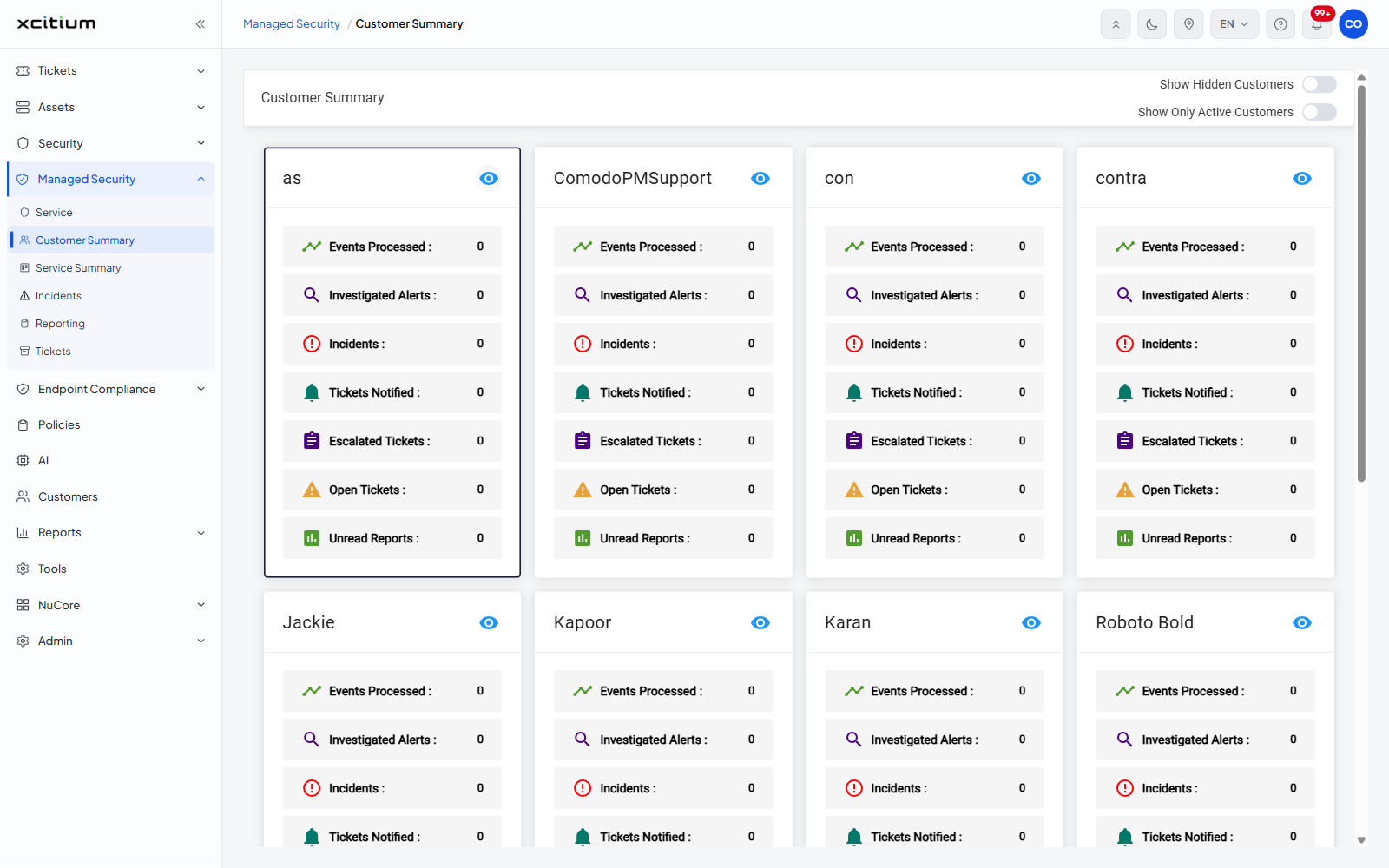
Page header
The header carries the heading 'Customer Summary' and two switches at the right.
| Switch | Default | Description |
| Show Hidden Customers | Off | Turn on to include customers that are hidden from the normal view. |
| Show Only Active Customers | Off | Turn on to show only customers that have activity. Customers with nothing recorded against them drop out of the view. |
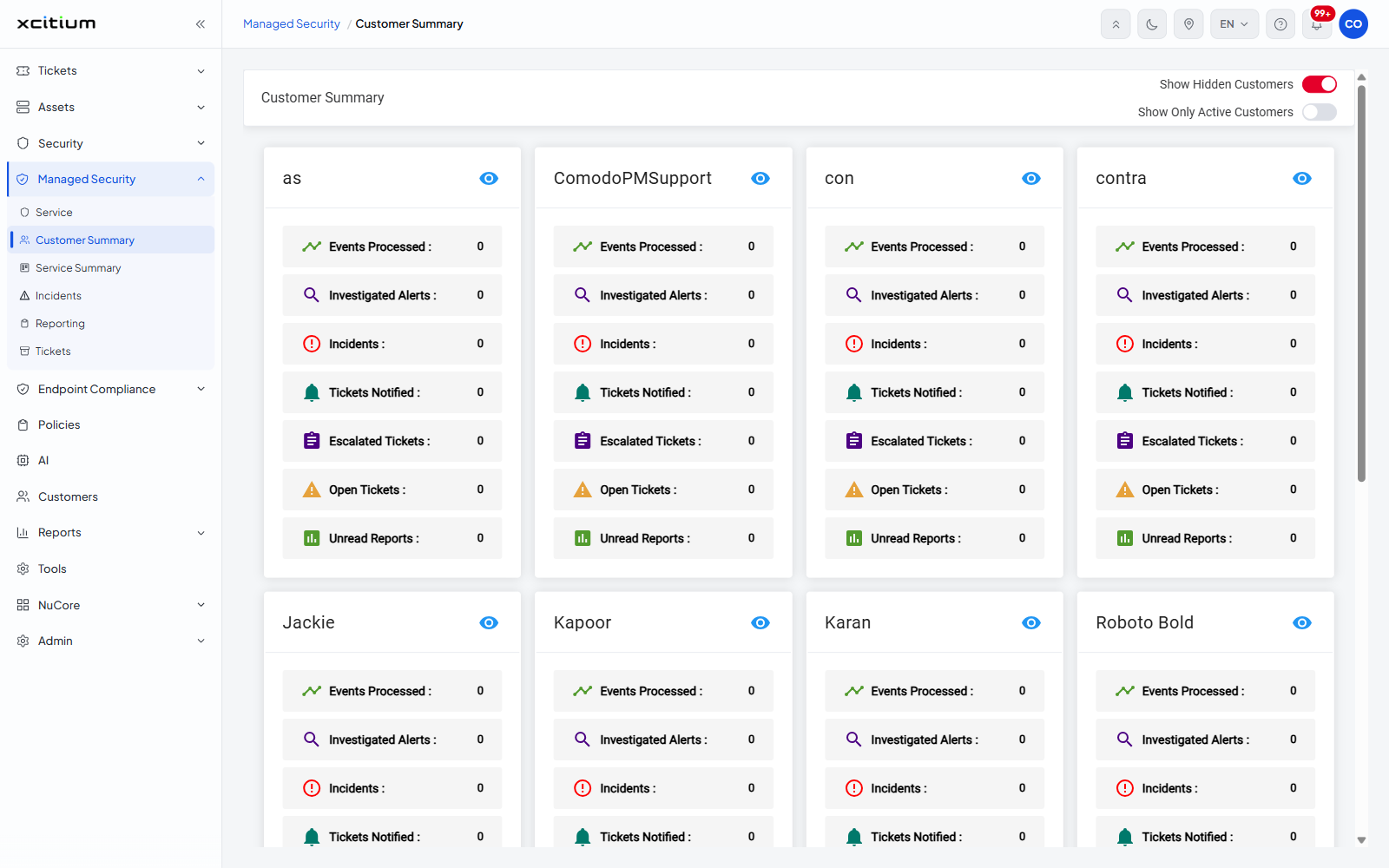
What is on a customer card
The customer name is at the top left of the card and an eye icon at the top right. Under them are the seven figures.
| Figure | Description |
| Events Processed | The number of log events the service processed for the customer. |
| Investigated Alerts | The number of alerts the service investigated for the customer. |
| Incidents | The number of incidents raised for the customer. |
| Tickets Notified | The number of tickets the customer was notified about. |
| Escalated Tickets | The number of tickets that were escalated. |
| Open Tickets | The number of tickets still open. |
| Unread Reports | The number of reports that have not been read. |
Open a customer
- Click 'Managed Security' > 'Customer Summary'.
- Click anywhere on a customer card.
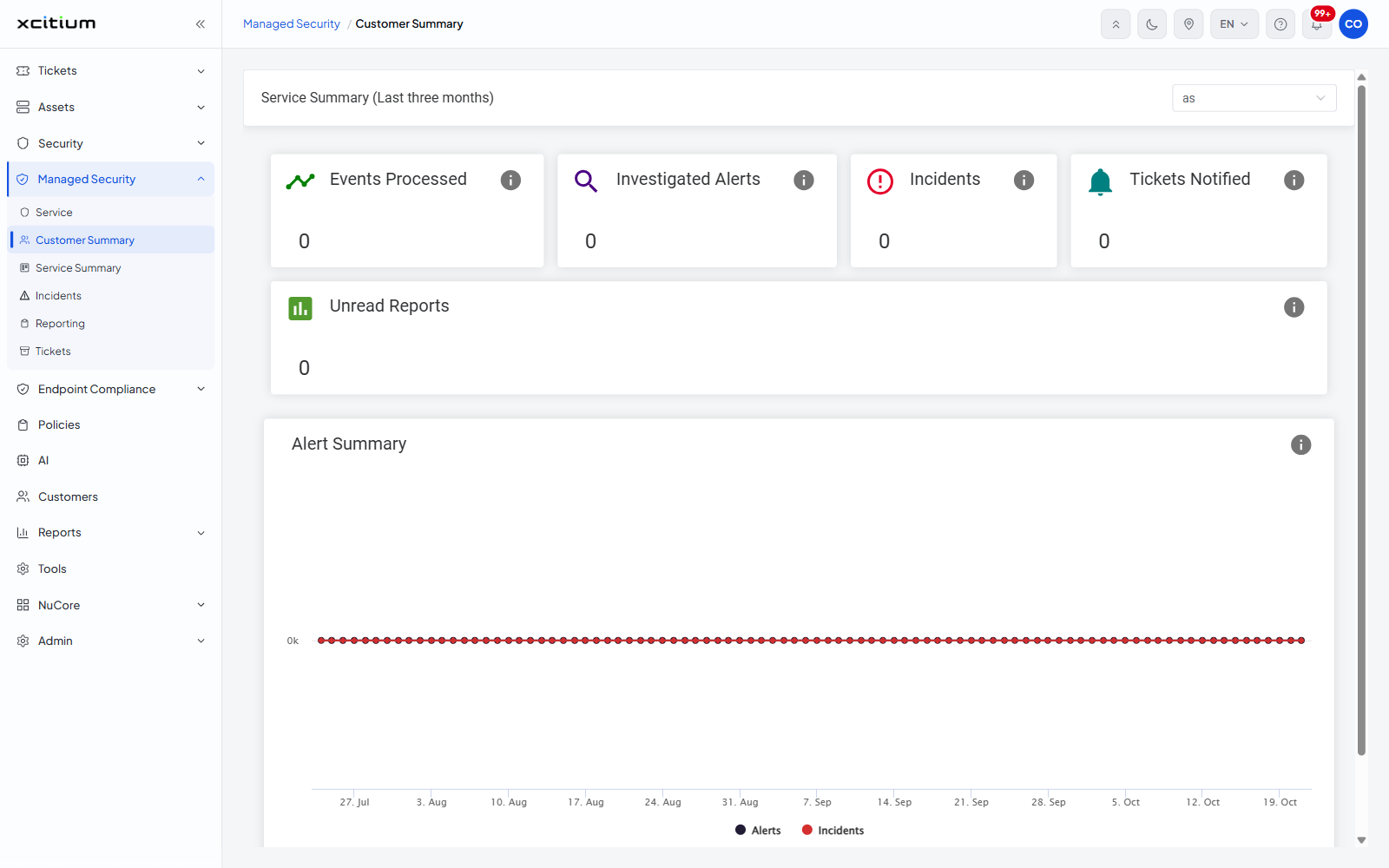
- The page is replaced by 'Service Summary (Last three months)' for that customer, with the customer already chosen in the selector at the top right. See Service Summary.
Narrow the view
- Turn on 'Show Hidden Customers' to add hidden customers to the cards on display.
- Turn on 'Show Only Active Customers' to drop customers that have no activity.
- Turn a switch off again to go back to the full list.