


Discovery Notifications
- Click 'Assets' > 'Network Management' > 'Discoveries', click a discovery name, then open the 'Notifications' tab.
The tab decides which alert the discovery raises and which of three events raise it.
You can be told when a scan finishes, when it finds a device it has not seen before, and when a device it already knows turns up on a new address.
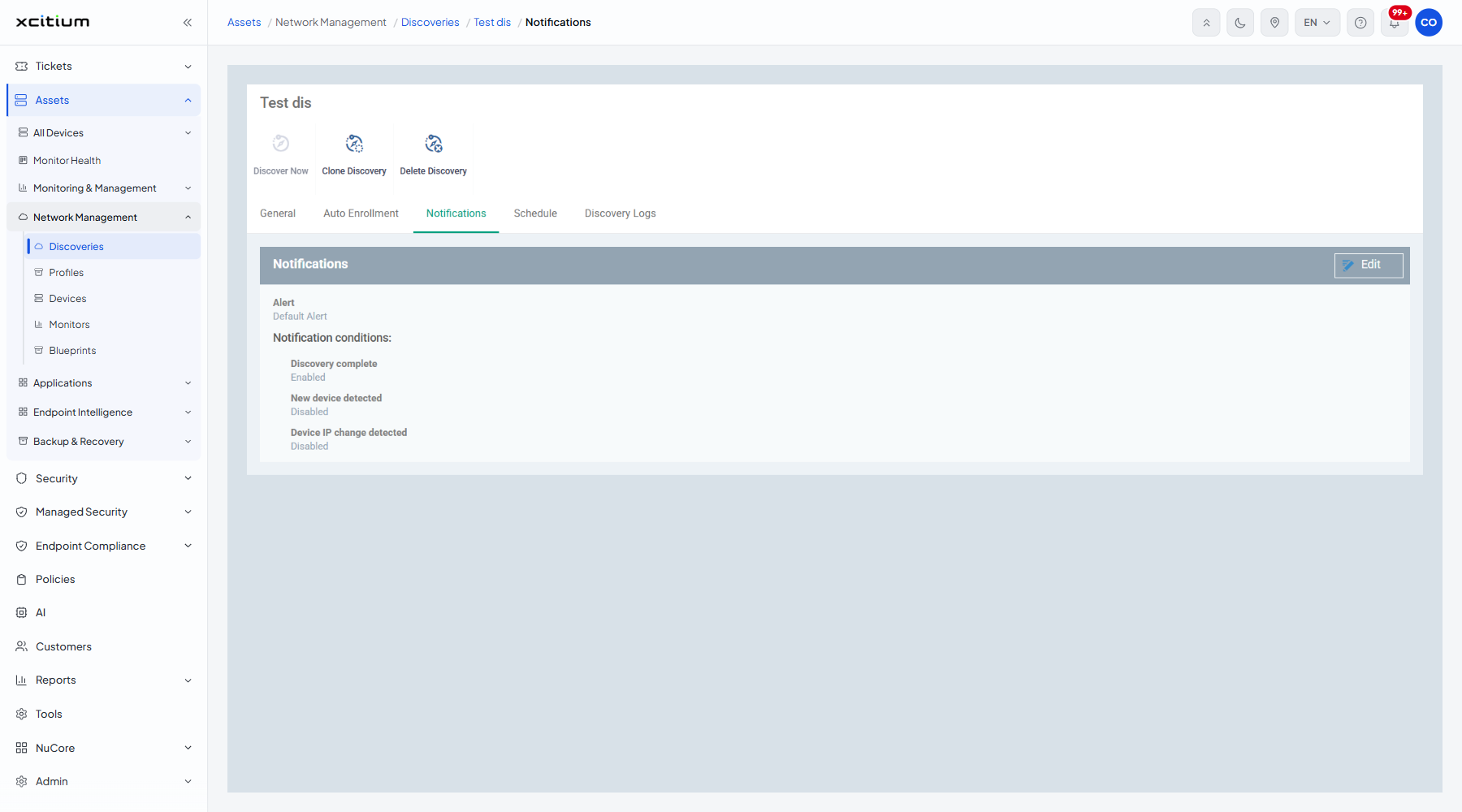
The settings
| Column | Description |
| Alert | The alert raised, for example 'Default Alert'. |
| Discovery complete | Whether finishing a scan raises the alert. 'Enabled' here. |
| New device detected | Whether finding an unknown device raises it. 'Disabled' here. |
| Device IP change detected | Whether a known device on a new address raises it. 'Disabled' here. |
The Edit form
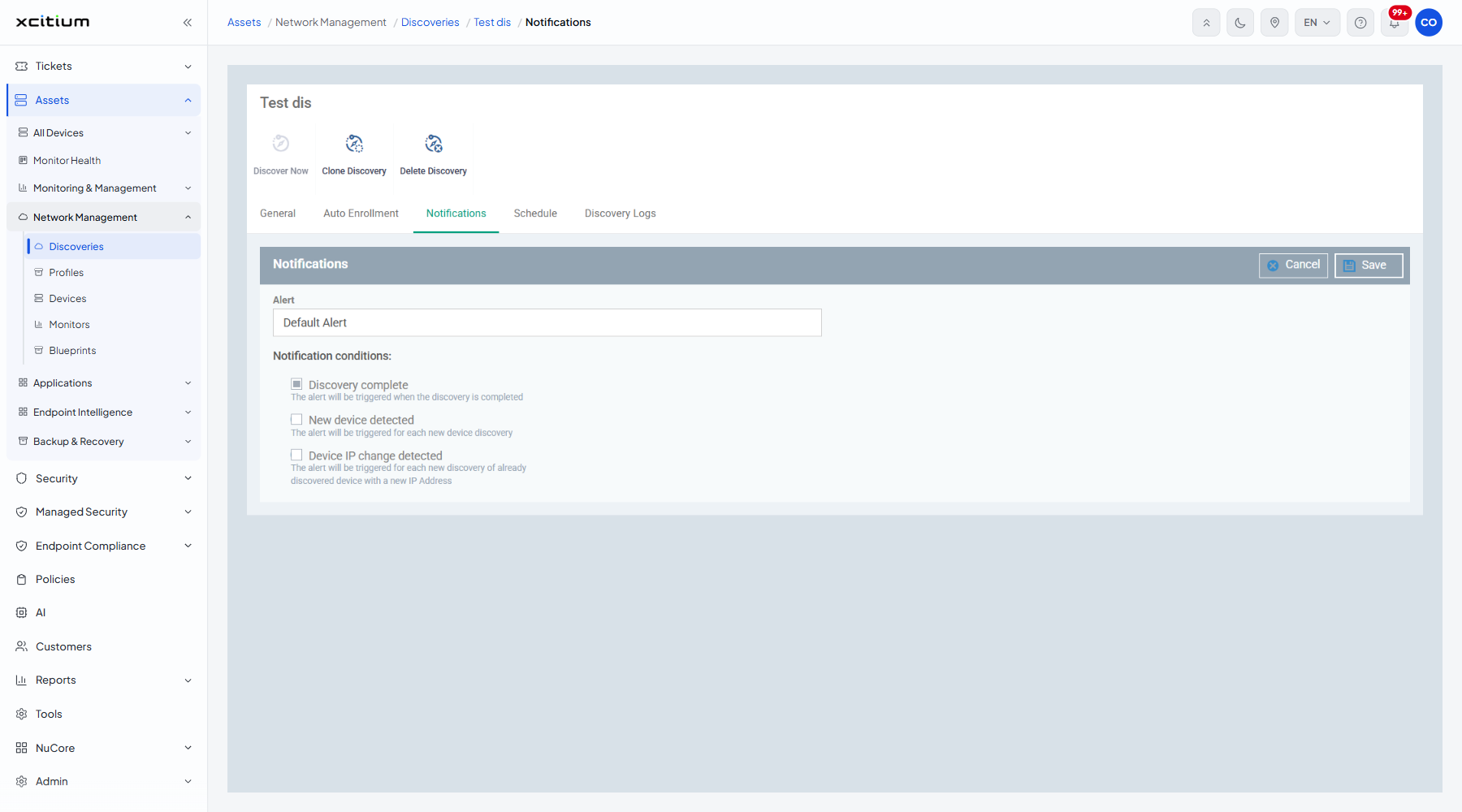
| Field | Type | Options / default | Required |
| Alert | Lookup | Placeholder 'Type alert name to search among alerts...'. | No |
| Discovery complete | Checkbox | Ticked here. 'The alert will be triggered when the discovery is completed'. | No |
| New device detected | Checkbox | Clear here. 'The alert will be triggered for each new device discovery'. | No |
| Device IP change detected | Checkbox | Clear here. 'The alert will be triggered for each new discovery of already discovered device with a new IP Address'. | No |
Be told about new devices
- Open the discovery and click the 'Notifications' tab.
- Click 'Edit'.
- Pick the alert to raise in 'Alert'.
- Tick 'New device detected'.
- Click 'Save'.
Note: 'New device detected' raises the alert once for each device found, so a first scan of a large range can produce a great many alerts. Leave it off until the first scan has settled.