


Quarantined Threats
- Click 'Security' > 'Endpoint Security' > 'Quarantined Threats' to open this interface.
Quarantined Threats lists the files the security client moved into quarantine, grouped by file rather than by device, with the number of devices each file was found on.
You can restore a quarantined file, delete it from the devices, change its rating and export the list.
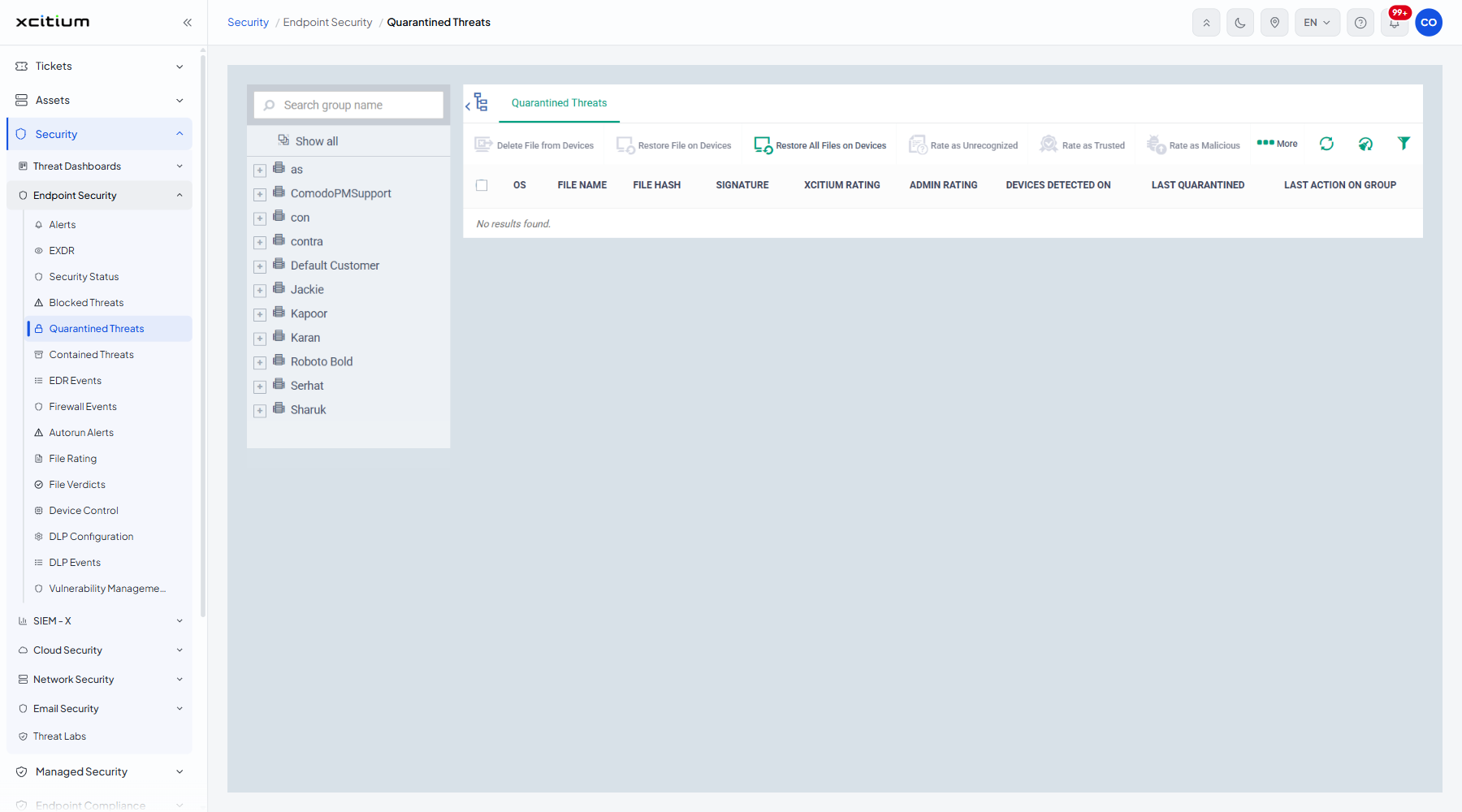
The columns
| Column | Description |
| OS | The operating system of the devices involved. |
| FILE NAME | The name of the quarantined file. |
| FILE HASH | The hash of the file. |
| SIGNATURE | The malware signature that matched. |
| XCITIUM RATING | The rating the verdict service holds for the file. |
| ADMIN RATING | The rating an administrator gave the file. |
| DEVICES DETECTED ON | How many devices the file was quarantined on. |
| LAST QUARANTINED | When the file was last quarantined. |
| LAST ACTION ON GROUP | The most recent action taken across the group of devices. |
The toolbar
| Button | Description |
| Delete File from Devices | Deletes the quarantined file from the devices it was found on. |
| Restore File on Devices | Puts the file back where it came from on the devices you choose. |
| Restore All Files on Devices | Restores every quarantined file. |
| Rate as Unrecognized | Sets the administrator rating to unrecognised. |
| Rate as Trusted | Sets the administrator rating to trusted. |
| Rate as Malicious | Sets the administrator rating to malicious. |
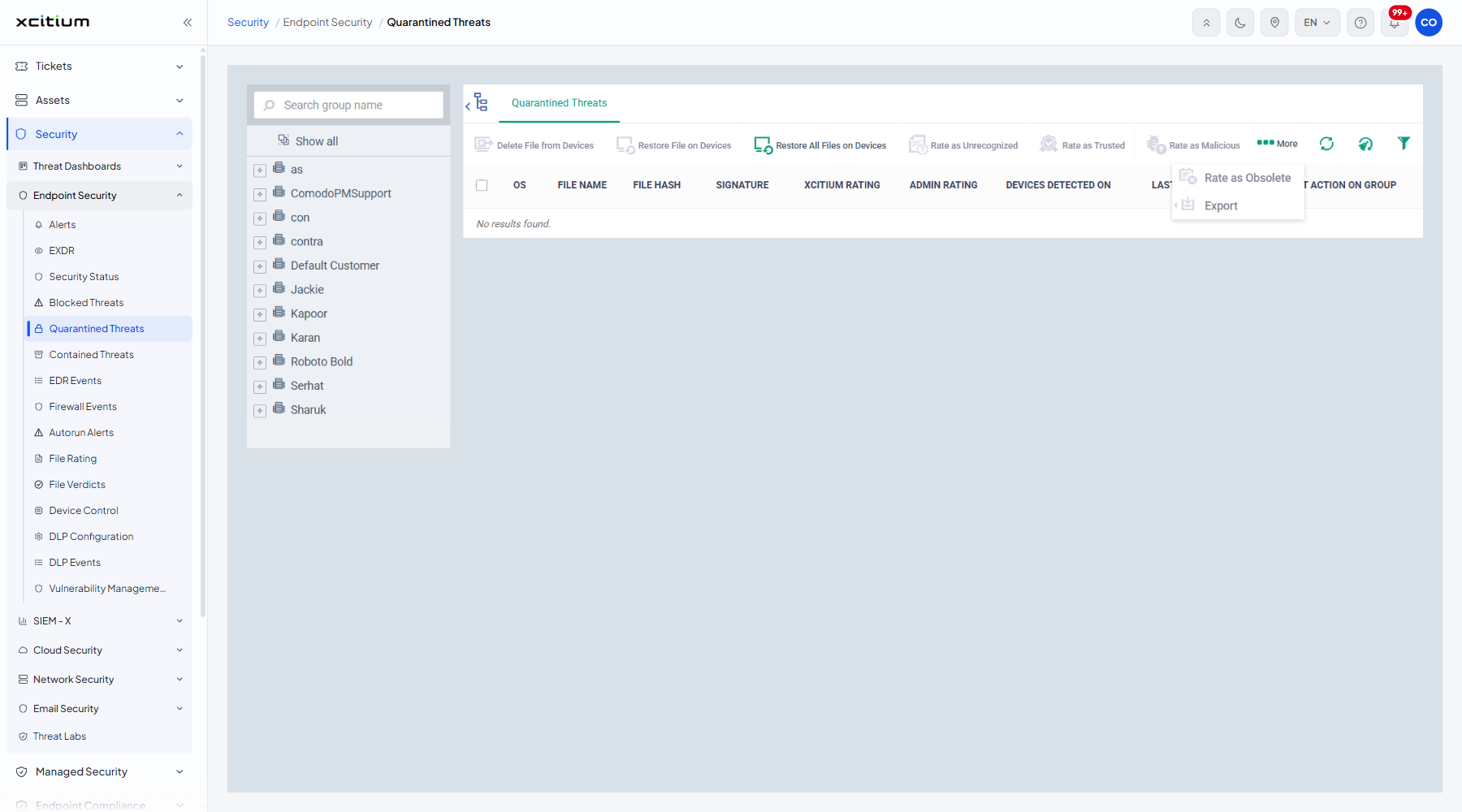
| More | A menu holding 'Rate as Obsolete' and 'Export'. |
With no row ticked, every button except 'Restore All Files on Devices' shows the tooltip "Please select file(s) to take this action". A 'Clear data cache' icon sits beside the refresh and filter icons.
Restore a quarantined file
- Tick the file's row.
- Click 'Restore File on Devices'.
- Confirm the action when you are asked.
Use the More menu
- Tick the rows you want.
- Click 'More'.
- Click 'Rate as Obsolete' to mark the file obsolete, or 'Export' to download the list.
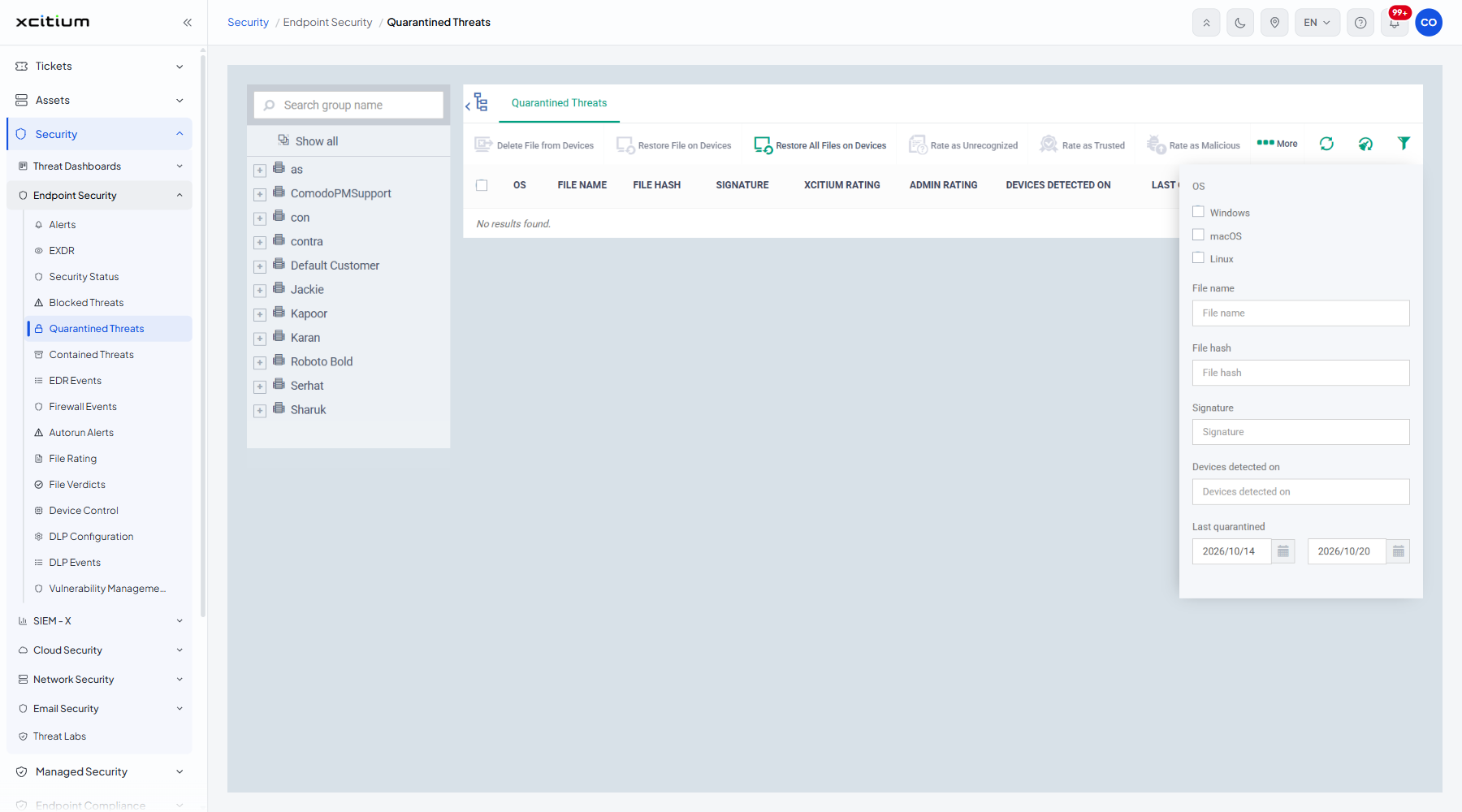
Filter the list
- Click the funnel icon at the top right of the table.
- Set the criteria you want.
| Filter | Description |
| OS | Tick boxes for 'Windows', 'macOS' and 'Linux'. |
| File name | Free text. |
| File hash | Free text. |
| Signature | Free text. |
| Devices detected on | A number. |
| Last quarantined | A date range. |
Note: restoring a file puts it back on live endpoints. Be sure of the verdict before you restore.